 XOTT
Isolate the change
An offset that grows during playback behaves differently from a fixed delay that is present from the first frame.
A small stick can change its radio conditions when moved behind a panel. Power and Wi-Fi therefore need separate tests.
Set a reliable comparison
Keep the HDMI input fixed and compare the television speakers with the usual receiver or soundbar. Match the playback timestamp during the comparison.
Replay the same dialogue after reopening the item. Compare the offset just after the start and after a few minutes. Run a second clip on the built-in output.
Read the result
A fixed delay isolated to a receiver can be an output timing setting. A growing drift that repeats on one title belongs in a source report with two timestamps.
Use the Fire TV home screen as the control. If it disappears too, check the power supply, HDMI input and display path before changing the player.
Separate a start delay from a growing drift
Choose a clip with visible lip movements. Write one comparison near the beginning and a second later in the clip. If the timing problem grows on the same clip across outputs, give support both positions. If the delay is already present and stays fixed, record the output path before adjusting any sync control.
Save a short support note
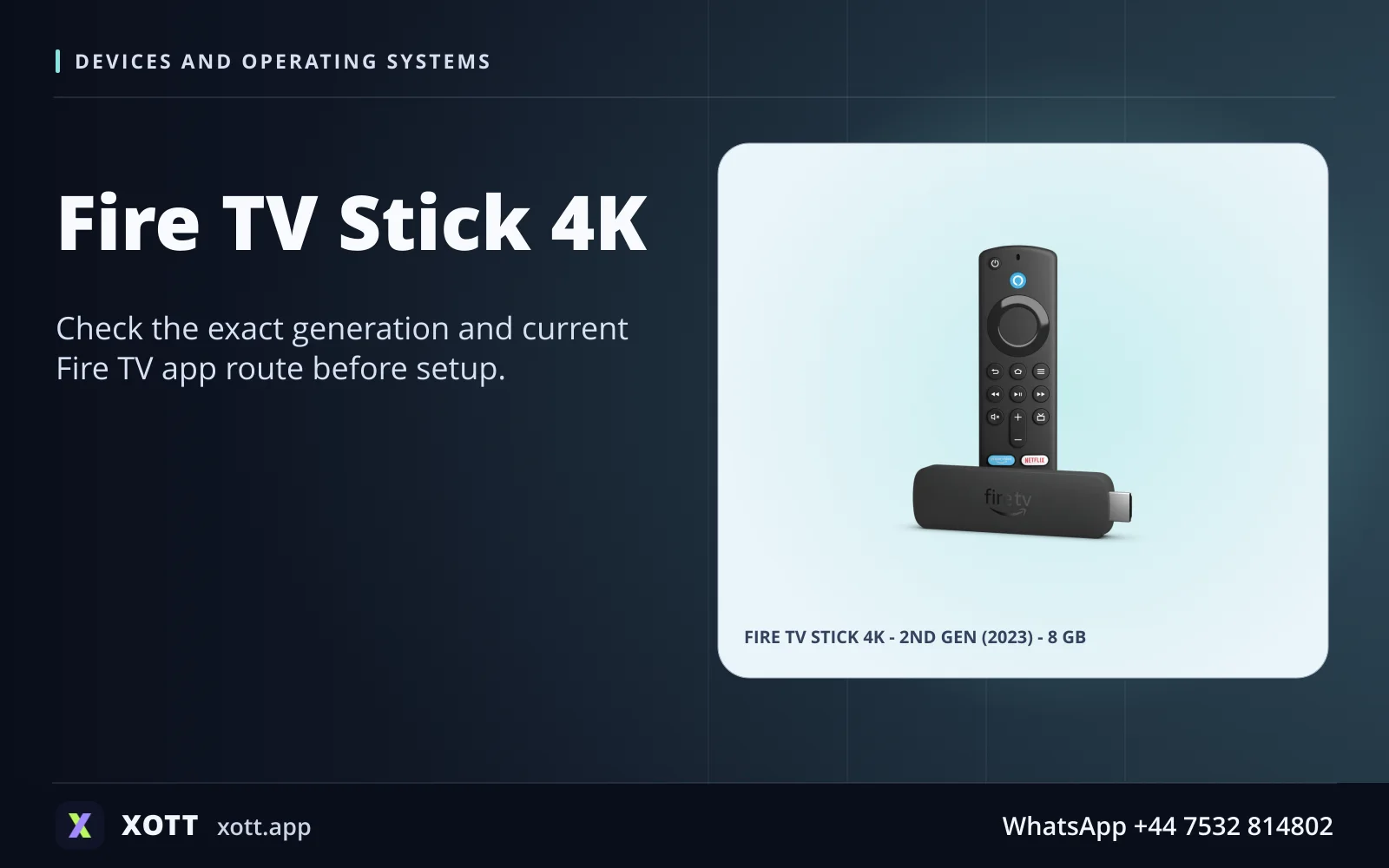
Write down the full stick model, installed player version and usual HDMI input. Save the private account instructions outside the player.
Include the first event that fails, the comparison that worked and the approximate local time. Preserve working settings until you can repeat the result.