
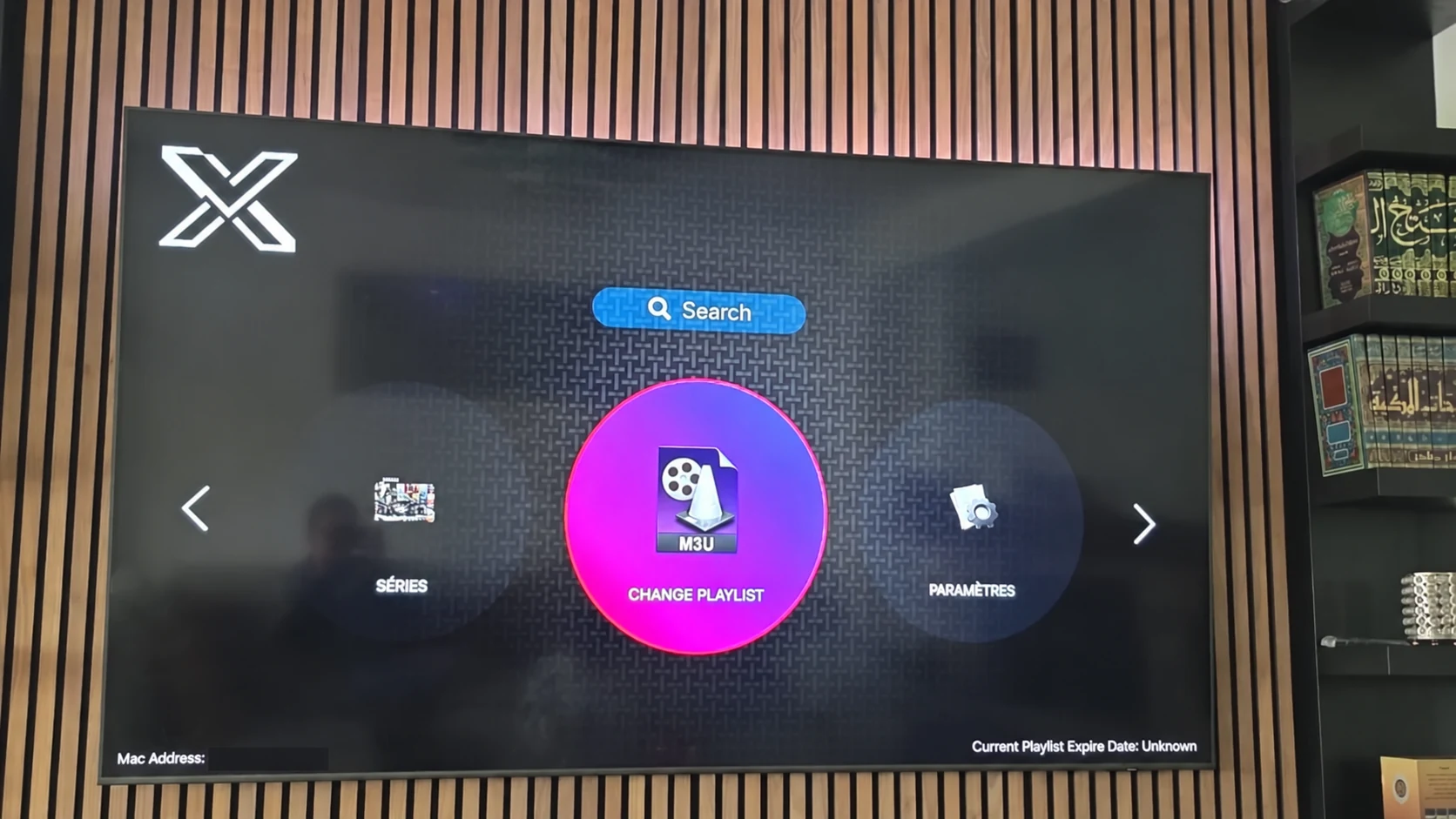
XOTT Player overview
Real interface references, account methods and practical setup.
Explore the guideYOUR PLAYER. YOUR PLAYLIST.
Meet XOTT, also known as X OTT. Find your app, connect a compatible playlist and make the most of the screen in front of you.
THE XOTT COLLECTION
Real interface references, account methods and practical setup.
Explore the guide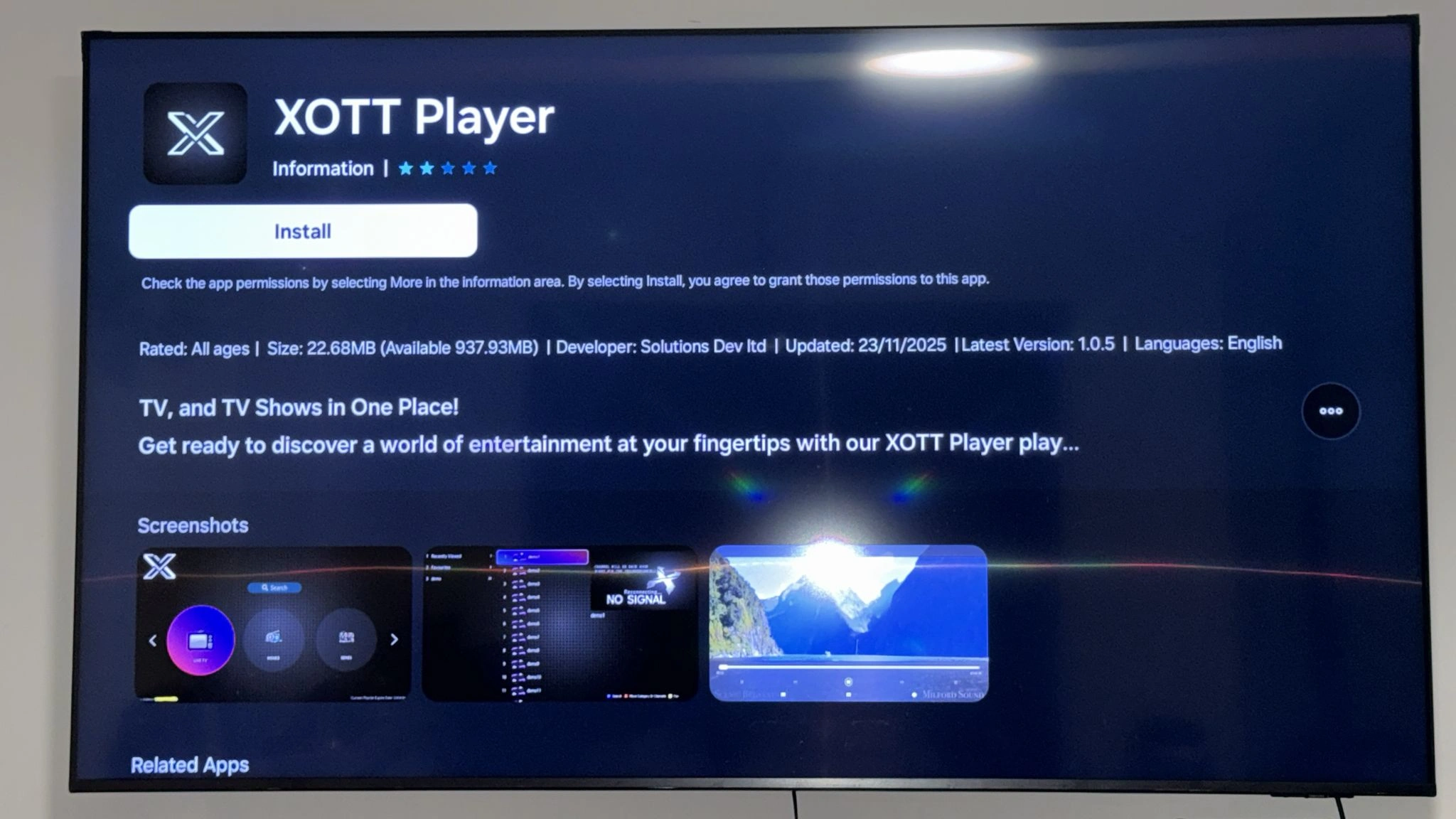
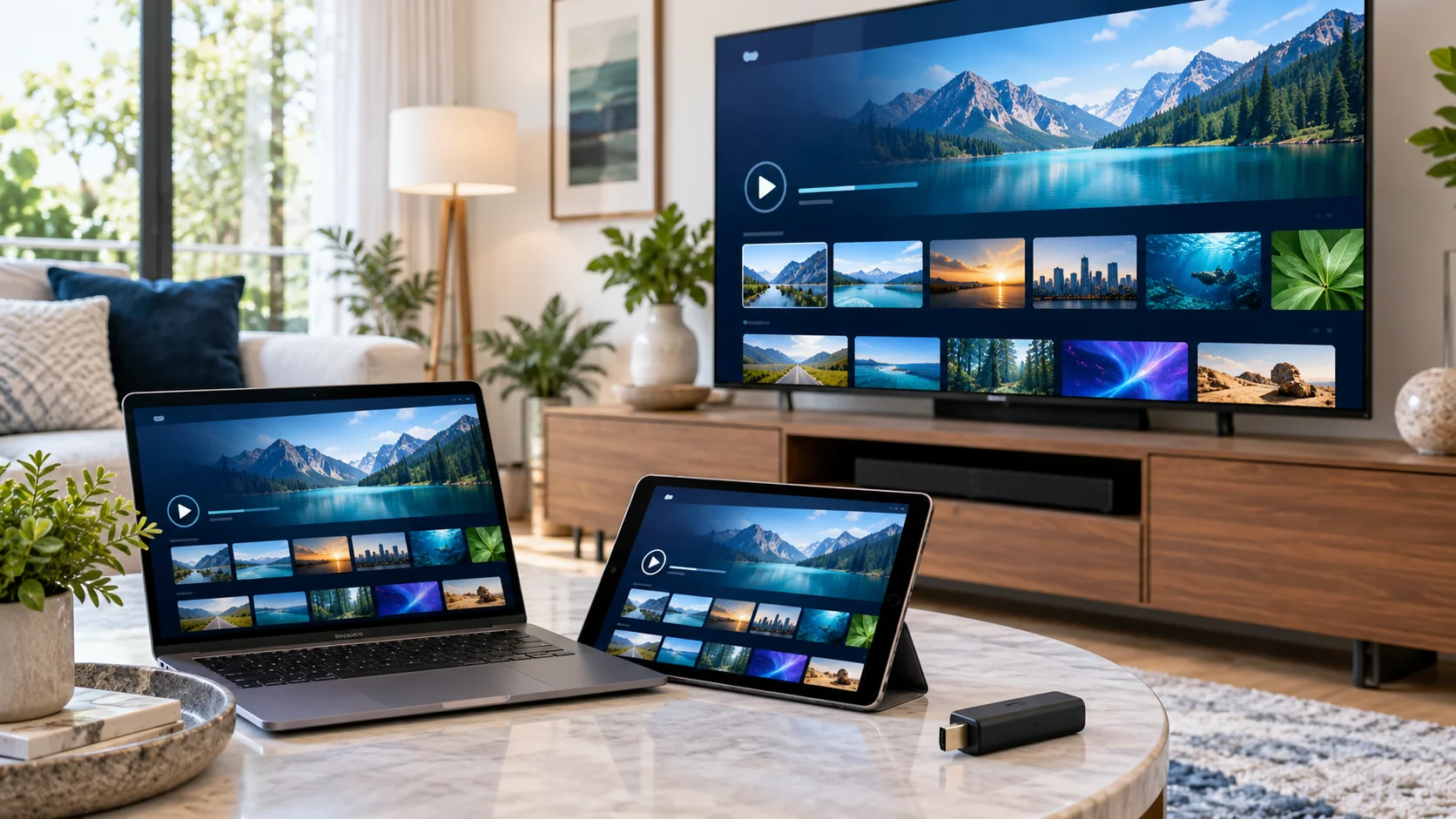
Prepare the right account details and check playback after saving.
Explore the guideFROM INSTALL TO PLAY
Confirm your model, platform and the current app source.
Read its identity and use a legitimate distribution route.
Use the playlist or login method shown by the installed player.
Check several sources, guide data and playback on your actual screen.
MAKE THE SCREEN YOURS
Open available channel categories and test the sources you watch.
Explore the guideSend a precise model, app and symptom for a useful next step.
Explore the guideTHE USEFUL NUMBERS
CHOOSE YOUR TERM
Published subscription totals, billed for the full term. One customer connection. Confirm your player and account during the trial.
$9.59 USD
Full package total · About $9.59 per month
$23.99 USD
Full package total · About $8.00 per month
$39.99 USD
Full package total · About $6.67 per month
$54.99 USD
Full package total · About $4.58 per month
THE PLAYER, UP CLOSE
BUILD YOUR SERVICE
Plan customer terms, compare package rates and prepare a useful panel handoff. The supplied standard model uses one credit for one customer month.
60, 120, 300 and 600-credit choices, with published totals.
Explore the guide
THE GUIDES & JOURNAL
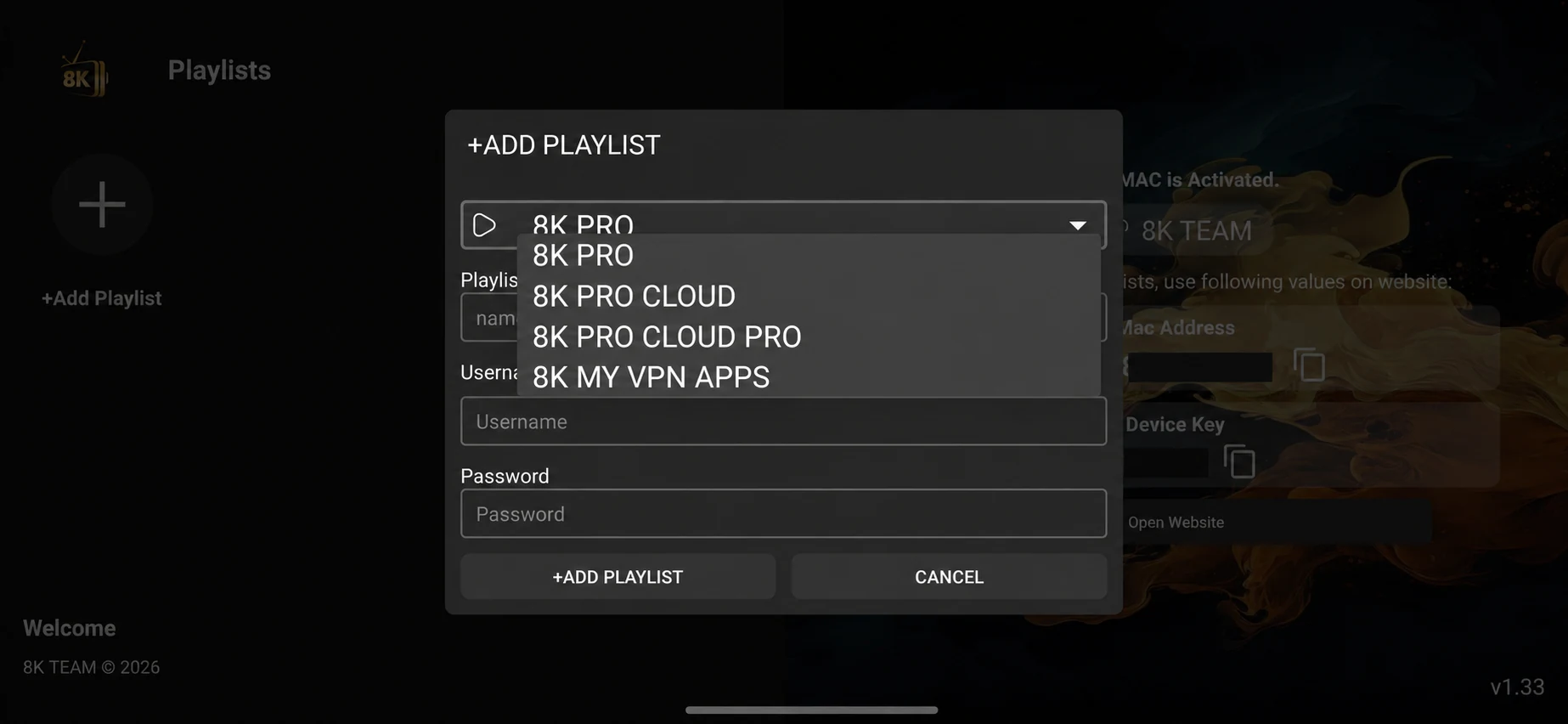
Understand the XOTT playlist fields and 8K Pro server selector. Match your account, save the playlist and test your first playback.
Explore the guideSound and audio for XOTT on Android phone. Isolate mute, track and decoder problems, record the symptom and choose the matching support step.
Explore the guideBuffering checks for XOTT on Android phone. Separate the local connection from a single source, record the symptom and choose the matching support step.
Explore the guideProgramme-guide timing for XOTT on Android phone. Compare schedule data with local time, record the symptom and choose the matching support step.
Explore the guideExpiry and renewal for XOTT on Android phone. Confirm account access before changing the player, record the symptom and choose the matching support step.
Explore the guideFavorites and categories for XOTT on Android phone. Organize the view without changing the account, record the symptom and choose the matching support step.
Explore the guideGOOD QUESTIONS
XOTT Player is a playback application. A compatible service account supplies the playlist and available content; the app provides the interface.
Open the playlist or account area shown by your installed version, confirm the required connection method with support, save the supplied details and allow the data to load.
This site uses XOTT and includes X OTT as the spaced brand form. Check the actual app identity when choosing an installer.
A XOTT-specific APK or Downloader code is not verified in the supplied source list. Ask support for the current matching source; codes for separate 8K apps are labelled separately.
Yes. After installing your player, WhatsApp us with your device and app name. Support confirms the matching account method and current trial availability.
Yes. Installing a player does not purchase an account. Player licence conditions, subscription access and download codes have separate roles.