 XOTT
Isolate the change
An incorrect schedule on one feed is a reason to inspect that feed’s mapping before applying a global time offset.
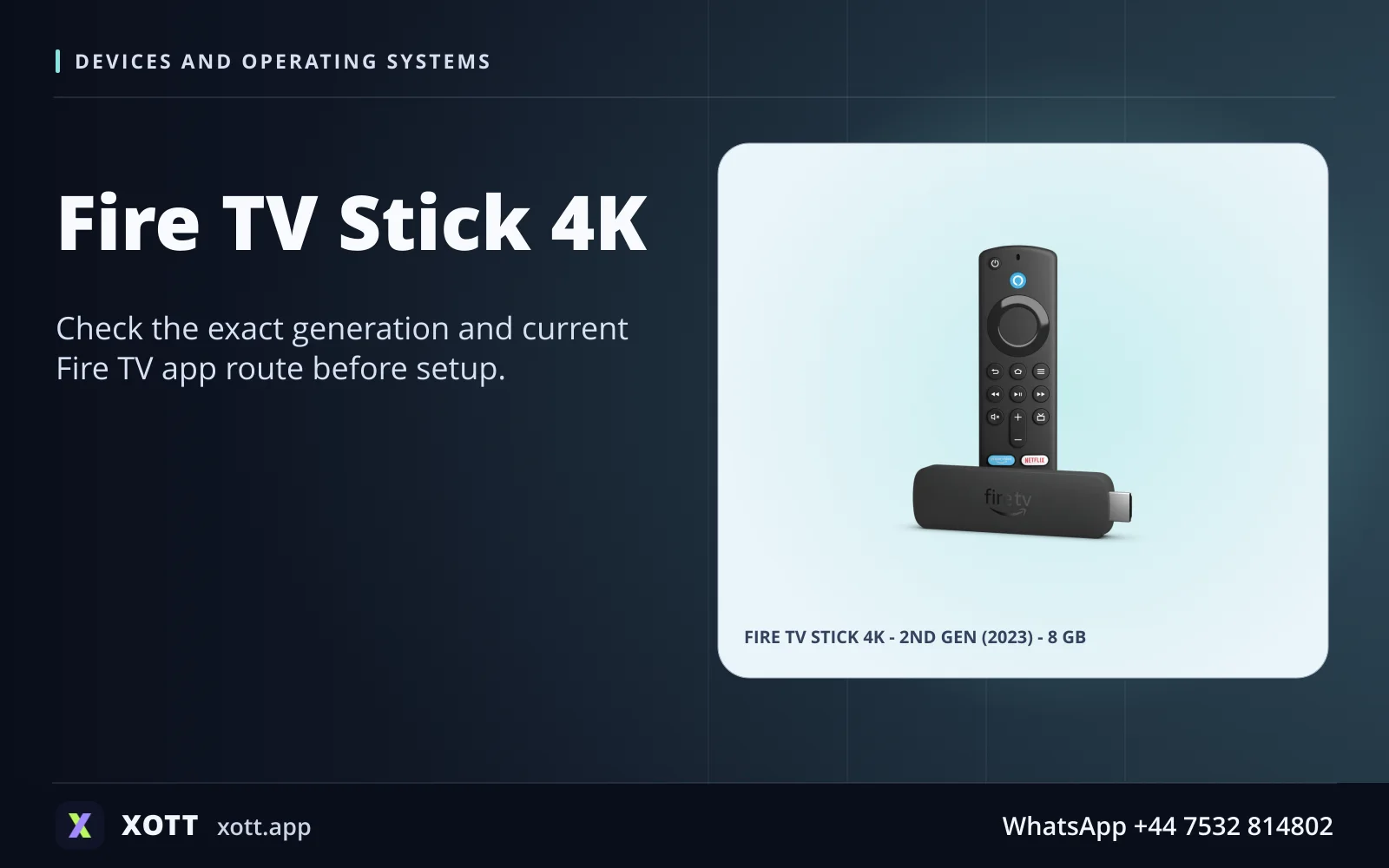
A small stick can change its radio conditions when moved behind a panel. Power and Wi-Fi therefore need separate tests.
Set a reliable comparison
Use the Fire TV home screen as the control. If it disappears too, check the power supply, HDMI input and display path before changing the player.
Compare a known show with the broadcaster’s current schedule in the same region. Check another feed on the same device for the same period.
Read the result
A single mismatch belongs in a report with the feed label and both times. Change the global clock only when it is actually wrong or other guides show the same shift.
Read the connection status on the stick. If it sits behind the television, temporarily move it clear of the panel or test an Ethernet adapter that the exact model supports.
Check a second feed in the same time window
Choose two schedules that show a dated programme near the current time. If one source agrees with its local schedule while the other does not, document the mismatch as a feed question. Moving the global clock would also change the working entry.
Save a short support note
Write down the full stick model, installed player version and usual HDMI input. Save the private account instructions outside the player.
Include the first event that fails, the comparison that worked and the approximate local time. Preserve working settings until you can repeat the result.