 XOTT
Isolate the change
Navigation can fail before an account request is sent. A cursor moving to an unexpected row is a local focus problem to reproduce.
A brief black screen at the start or end of an item can accompany a display-mode switch. A picture that does not return calls for a separate check.
Set a reliable comparison
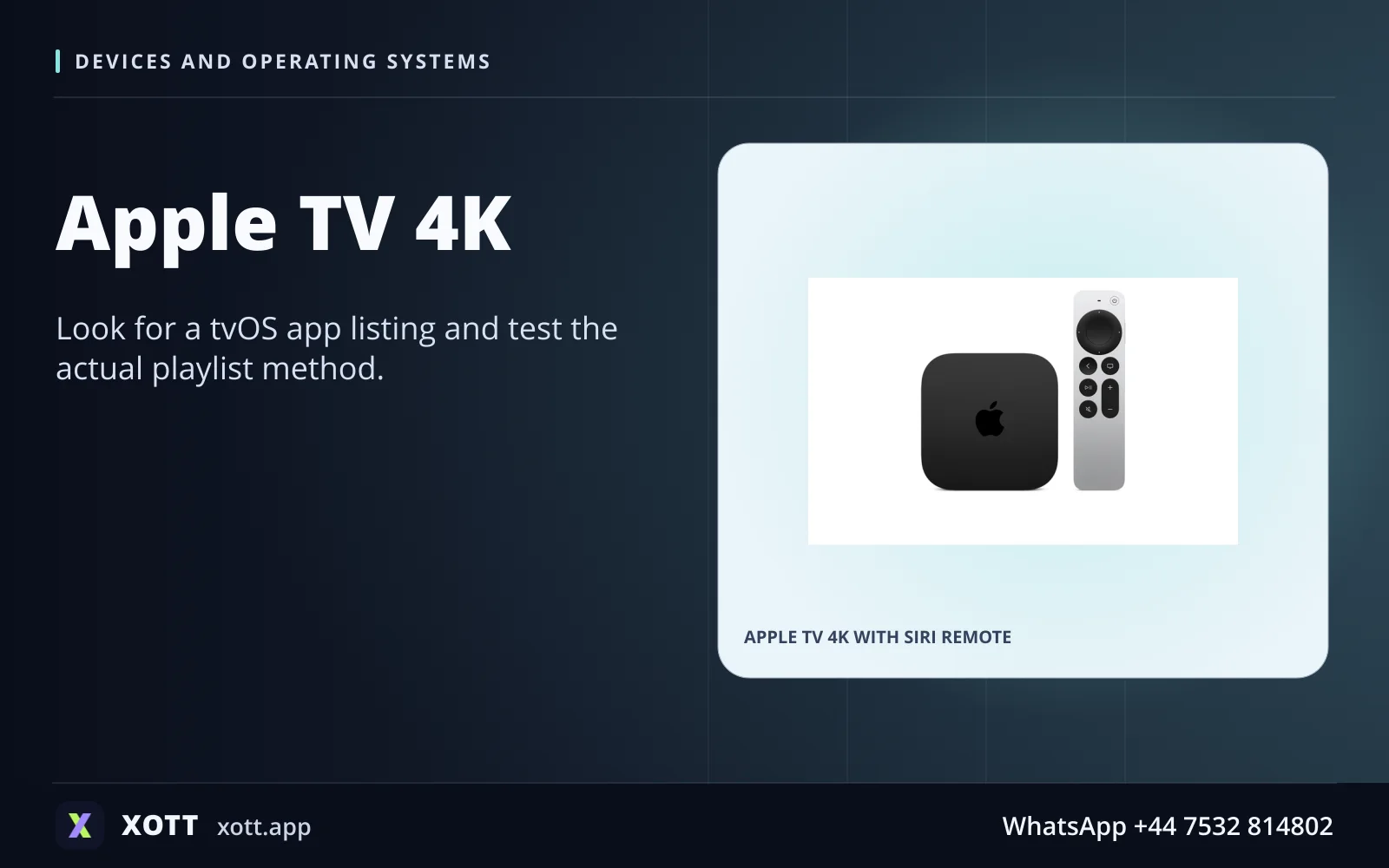
Use the App Store on Apple TV and check the tvOS listing. An iPhone or iPad listing by itself does not establish Apple TV support.
From a fresh launch, record which button moves focus first. Repeat with the standard remote and compare the same controls in the device’s store or system menu.
Read the result
If the device menu behaves correctly but the player does not, report the app build and control sequence. If both fail, check the remote and input configuration.
Record the model, tvOS version, exact app and current audio and video choices before making a temporary change.
Save a short support note
Record the model, tvOS version, exact app and current audio and video choices before making a temporary change.
Include the first event that fails, the comparison that worked and the approximate local time. Preserve working settings until you can repeat the result.