 XOTT
What the distinction means
An old file link or code can still appear in search results after the publisher changes the distribution route. Similar labels can point to unrelated apps.
A practical check
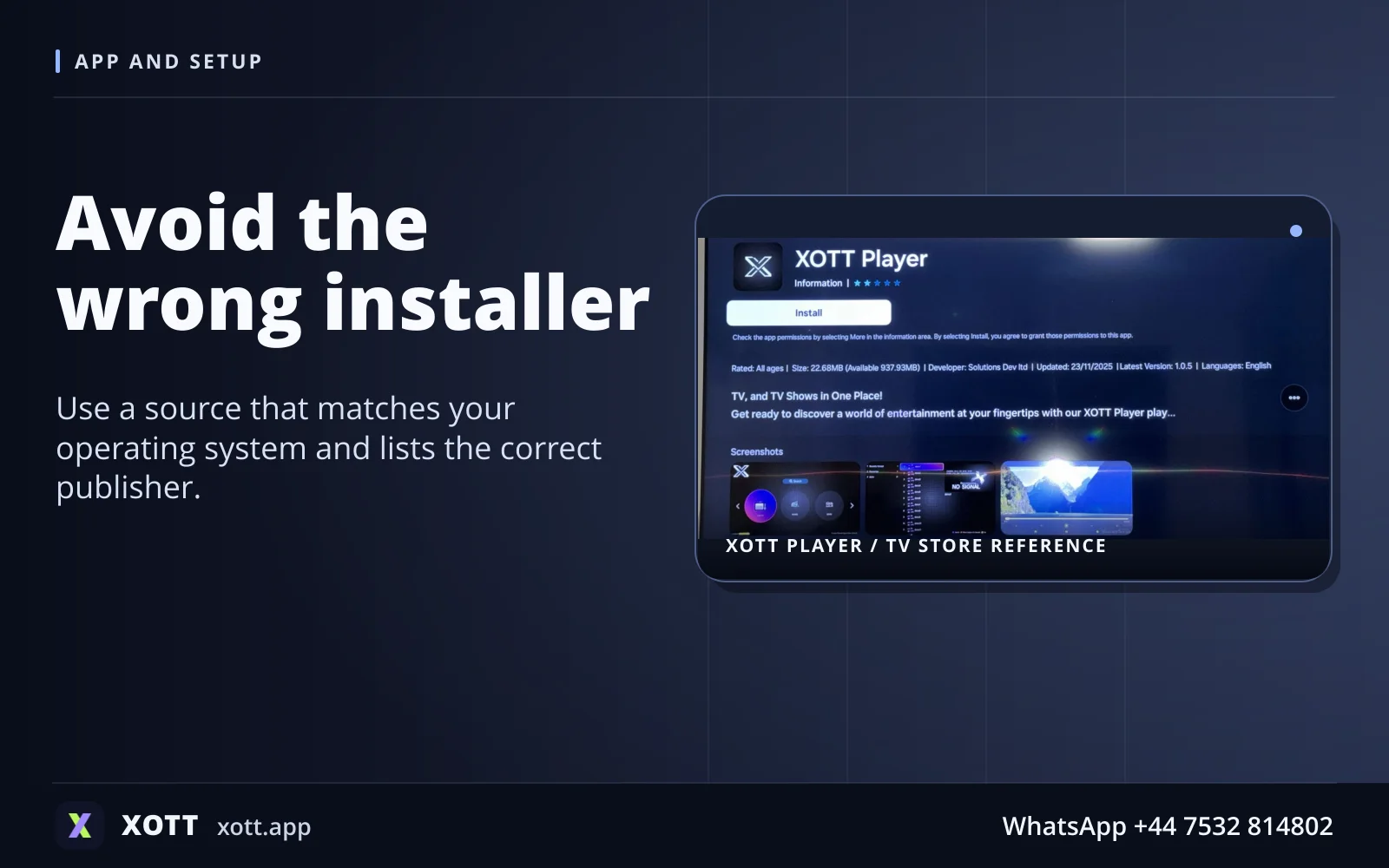
Check the actual device OS and compare the installer identity with the trusted listing. Ask support to confirm a route if the publisher cannot be identified.
Verify the actual file origin
A search result with a player name and version does not establish who published the download. Check the exact OS, publisher and current supported route before opening it. If support cannot identify the package or confirm its current source, leave the working setup in place while you consider a confirmed alternative.
What to do with the result
Do not pass credentials into an unknown build. Keep the compatible working player while you check an update or alternative.