 XOTT
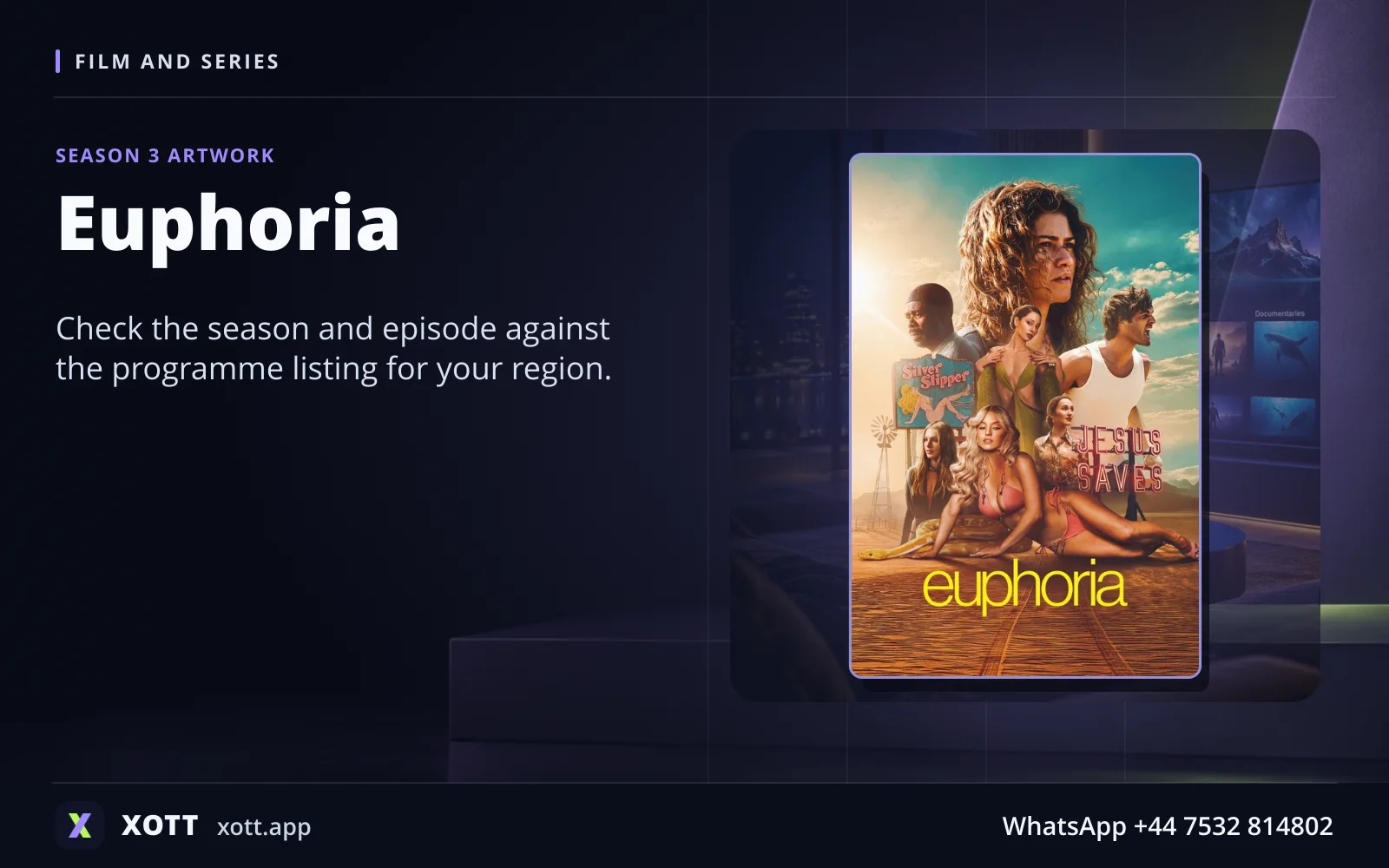
Keep the episode or film fixed
Begin by choosing the season, episode and official series listing. Euphoria can appear alongside the wrong season, special episodes and unrelated works called Euphoria. Switching between them makes an audio comparison meaningless.
Start one spoken scene. Use the on-screen track menu and note the spoken language, subtitle label and any audio description separately.
Test the preferred track on your usual screen
Try the same scene with the actual speakers or headphones you expect to use. If captions are important, read a line on both a dark and a bright part of the scene.
Record the track and edition if the preference is not retained when you reopen it. A player language setting does not add media tracks.
Check the distributor when a track is absent
Ask about the edition of Euphoria offered in your market. Mention whether the title page lists your expected language and whether another known title uses it correctly.
If a track is selectable but hard to read, record the app and device so support can separate title availability from display settings.