 XOTT
Isolate the change
Screen lock changes the app state. A stop tied to that transition does not by itself show a failing source.
A screen lock, call or audio-route change can interrupt playback without the stream itself being at fault.
Set a reliable comparison
Test with the screen awake in one orientation. If interruptions start after locking, rotating or entering picture-in-picture, record that transition.
Keep a short dialogue clip open until the device would lock. Compare one run with the screen awake and one with the usual lock behaviour. Do not assume the player supports background audio.
Read the result
If only the locked run stops, check the player’s documented background behaviour. If it also stops while awake, check the network and the same timestamp on a second item.
Run one playback test on Wi-Fi and a separate mobile-data test if appropriate. Use the same title rather than two different sources.
Separate an automatic lock from a bad item
Pick one short clip and note the time it usually stops. If an awake run finishes while the same clip stops when the screen locks, check background playback behaviour. If the clip also stops awake, a second authorised item provides the better comparison.
Save a short support note
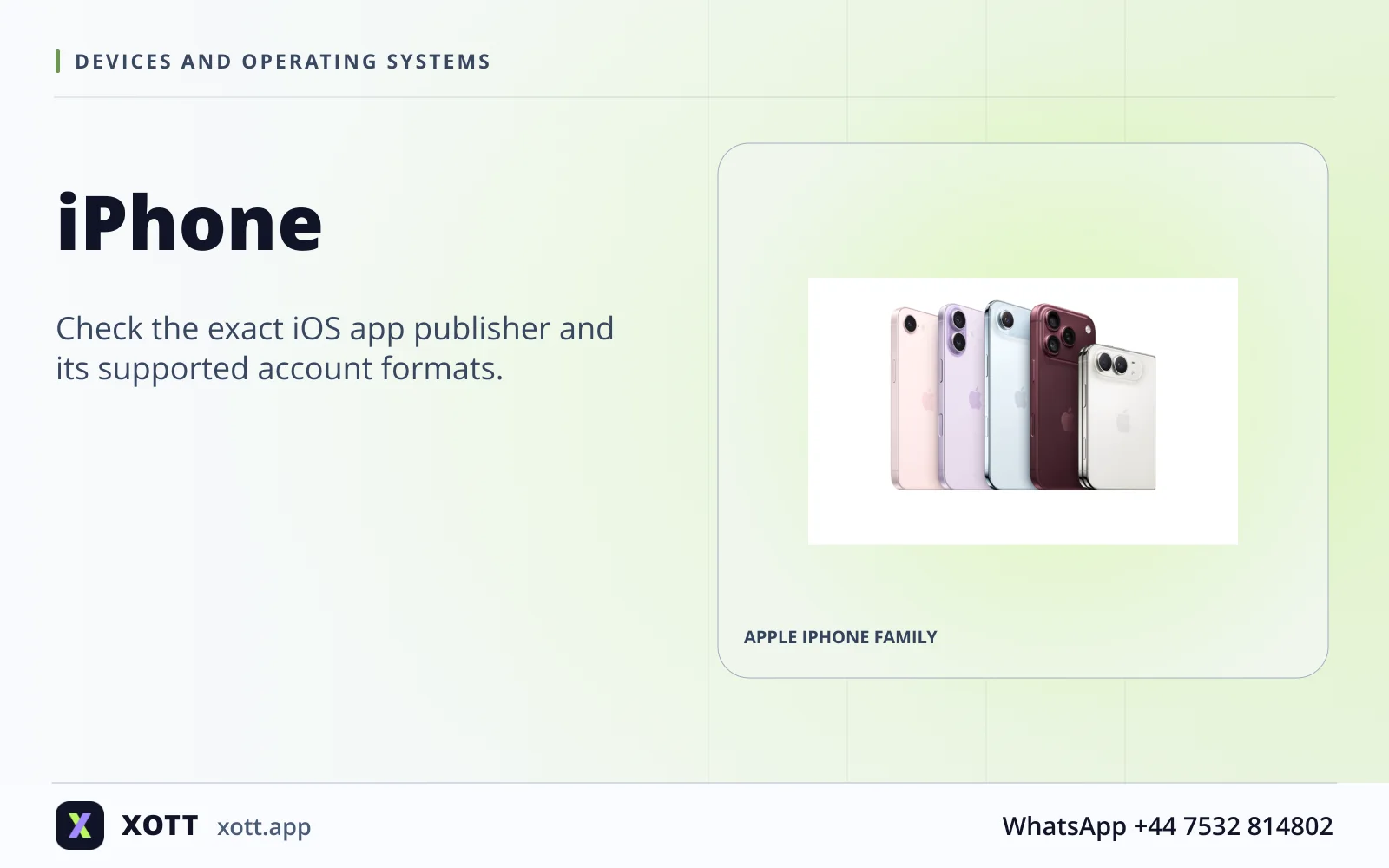
Record the iPhone model, iOS version and player version. Crop out message previews, Apple account information and playlist details.
Include the first event that fails, the comparison that worked and the approximate local time. Preserve working settings until you can repeat the result.