 XOTT
Isolate the change
An identical channel name can refer to different markets, regional feeds or source versions.
A MAG portal entry may depend on a registered device. Do not replace identifiers or overwrite working portal fields during troubleshooting.
Set a reliable comparison
Record model, firmware and the stage of portal loading that fails. Do not publish the receiver MAC address, portal URL or account details.
Compare the next programme, local schedule and any feed suffix. Save the exact working item rather than guessing from its logo.
Read the result
If the listings remain ambiguous, record both group labels, the relevant programme time and the one that plays the expected content.
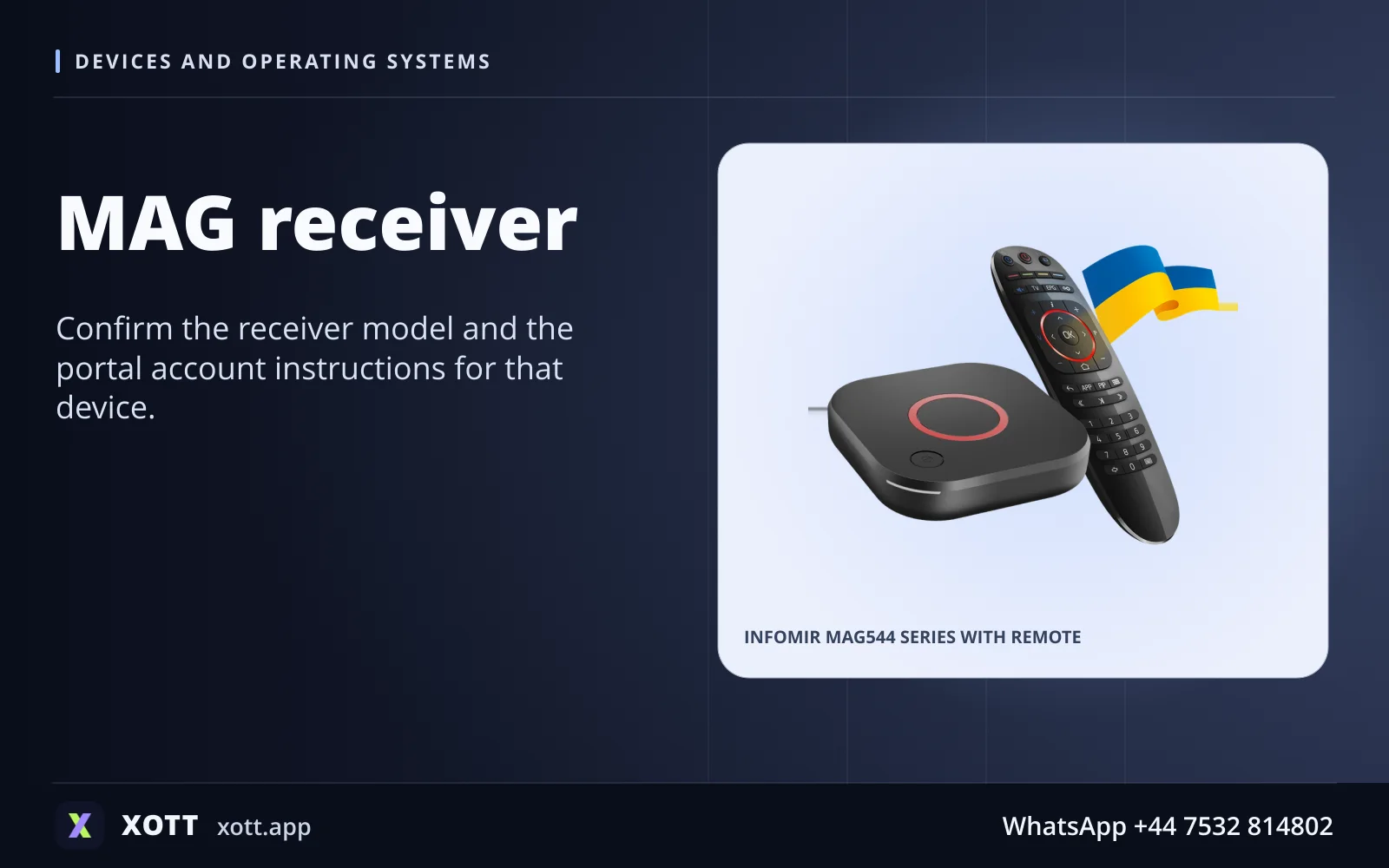
Check the MAG model and firmware. Use only the account provider’s portal instructions for a supported unit and record the installed version.
Compare the next programme before choosing a feed
If two results use the same channel name, look for a region, source suffix and scheduled item. Test the one that matches the broadcaster’s expected programme. Record the actual result before saving a new favourite.
Save a short support note
Record model, firmware and the stage of portal loading that fails. Do not publish the receiver MAC address, portal URL or account details.
Include the first event that fails, the comparison that worked and the approximate local time. Preserve working settings until you can repeat the result.