 XOTT
What the distinction means
A reset can erase credentials and local preferences that would otherwise help isolate the problem. It also adds another change to diagnose.
A practical check
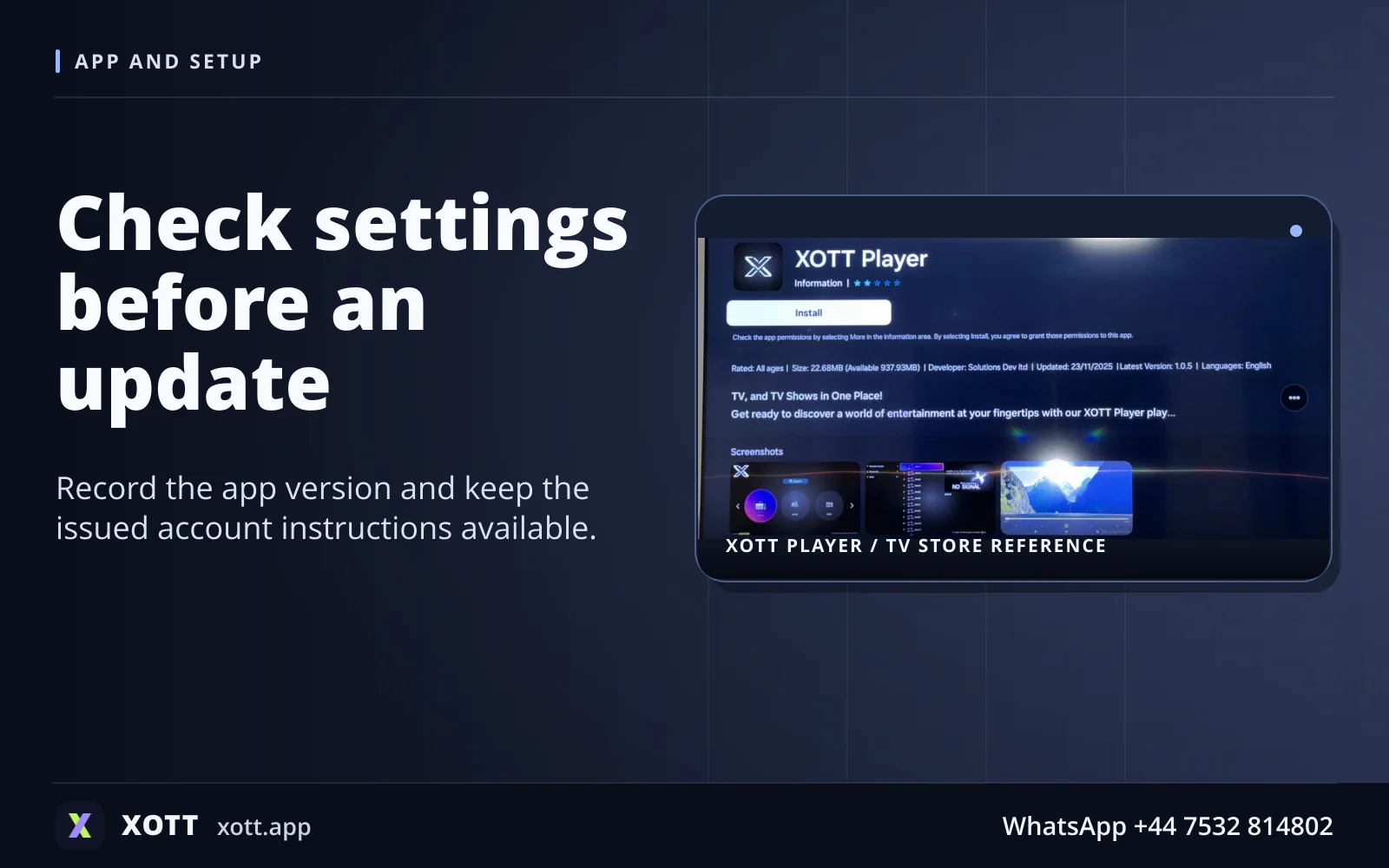
Record the app version and one failing item. Close and reopen the player. Refresh the existing account if the player offers a documented action.
Keep a working source as a control
If a channel failed before the reset, test it and one known working channel after a clean reopen. A single failing item is useful evidence for a source investigation. If you eventually need the publisher’s reset procedure, keep the issued account details and any documented export available privately before removing the working setup.
What to do with the result
If nothing changes, preserve one known working profile and ask whether the exact error calls for a reset. Back up supported settings first.