 XOTT
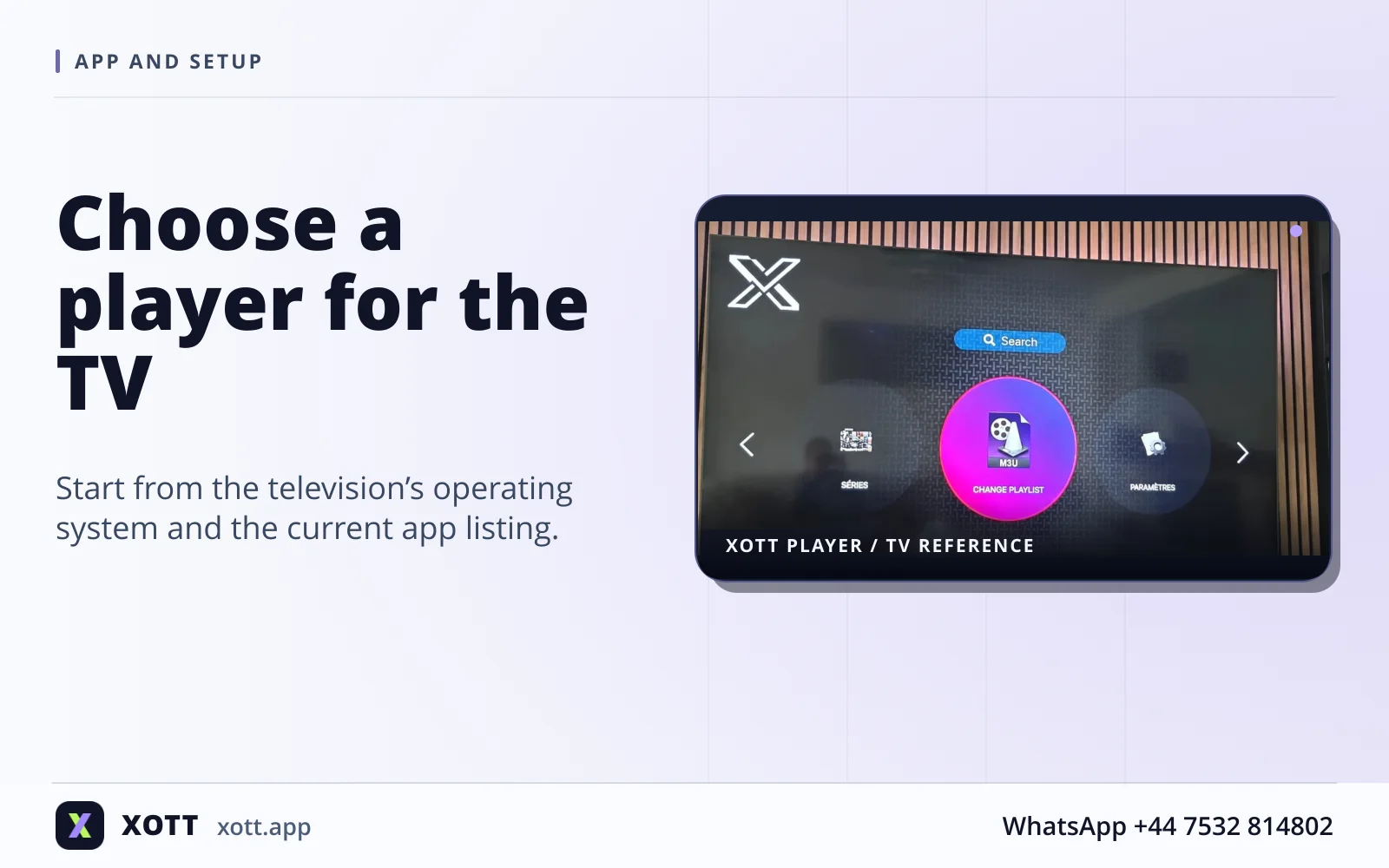
What the distinction means
A television brand cannot identify the app store when the player comes from an external box. It also cannot show which device owns the network connection.
A practical check
Open the app from the TV home menu and note its name. Then use the input selector to identify any box you normally use. Check the app listing on the device that actually runs it.
Use the input label and home screen
If the app appears only after selecting an HDMI input, check the attached player’s own home screen and model number. If it opens from the television’s native launcher, use the television app store and OS. Give support both devices when the problem concerns the sound or display path, and the player host first when asking about installation.
What to do with the result
Report both model numbers only when relevant. The screen model and player host are useful separate fields for compatibility questions.