 XOTT
Isolate the change
The device’s current timezone and a regional schedule’s date matter when seasonal clocks move on different weekends.
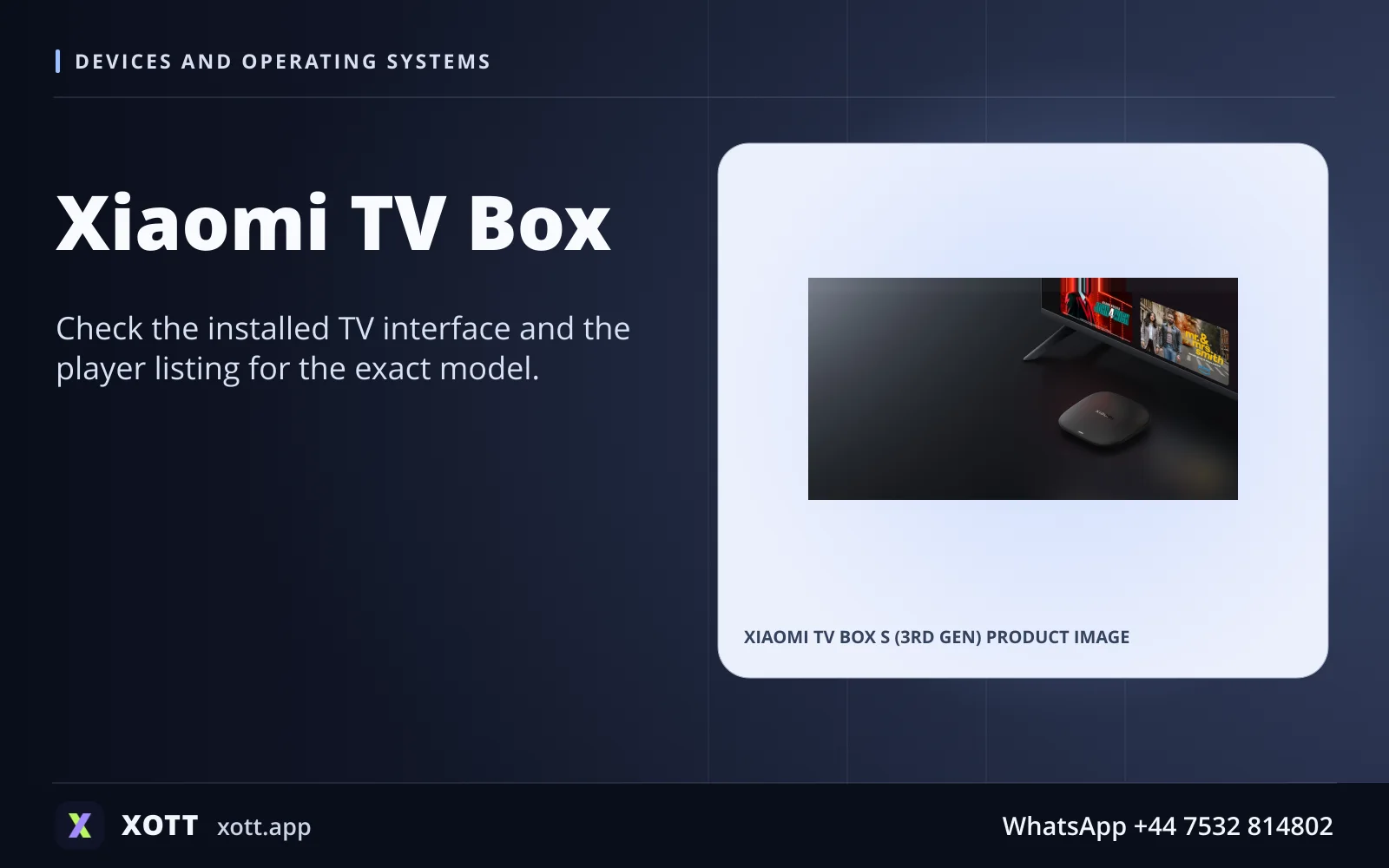
Mi Box, TV Box and TV Stick are related names, but the installed OS and hardware ports depend on the actual model.
Set a reliable comparison
Compare the box’s home screen and a known video on one input. An input change can be separate from a playback error.
Pick a dated programme rather than comparing the recurring name alone. Confirm the source timezone and the playback device’s timezone, then refresh the guide.
Read the result
If other stations moved together, investigate the device clock or display offset. If only the recurring programme moved, confirm the broadcaster’s calendar.
Check the box’s network status directly. Keep any USB Ethernet adapter unchanged unless it is the variable you are testing.
Write the programme date and timezone together
A recurring programme title does not tell you how a seasonal clock change affected this specific showing. Compare the dated source and the device clock. If all feeds shift by the same amount, check the clock settings before reporting a catalogue issue.
Save a short support note
Record model generation, OS, installed player and what is connected to the box.
Include the first event that fails, the comparison that worked and the approximate local time. Preserve working settings until you can repeat the result.