
Start with the exact task
A Useful XOTT Support Message Without Exposing Your Account is a focused part of a successful setup. Record the app name on the device, the operating system and the account method requested by the player. The spaced phrase X OTT and the name XOTT may be used in a search, but the current installation source is what identifies the actual application.
Check the illustrated XOTT controls
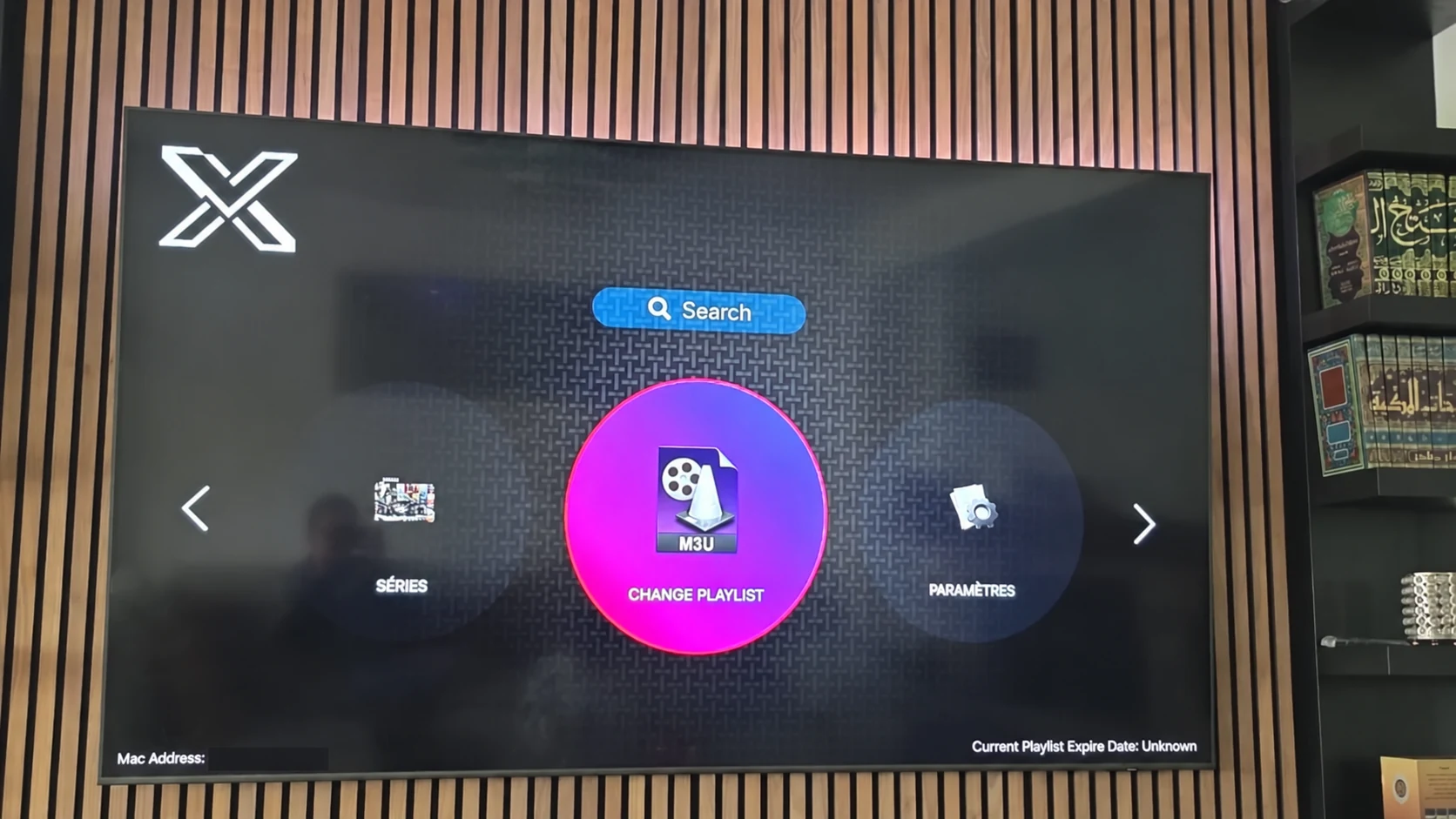
The photographed television interface has a playlist-change control and a settings area. The television app-store example displays the XOTT Player name and an installation control. Use these as visual references; they do not establish a build for every operating system.
Prepare the account and protect private information
Confirm whether the player uses a playlist URL, server login or device-linked activation method. Match that method with the account supplied by support. Keep passwords, tokenized URLs and device identifiers out of public messages. Save one confirmed account and wait for its data to load before retesting.
Use a repeatable test
Test more than one live source, check the schedule where available and open an on-demand item if the account includes one. Note whether a problem affects one item or every item. Compare a steadier local connection and one supported quality before changing unrelated settings.
Understand what you are buying
The published subscription choices use one, three, six or twelve-month terms. Installing a player is a separate action, and a third-party application can have its own licence conditions. A Downloader code identifies an installer, while your issued account controls subscription access.
Continue with the full guide
Use the complete XOTT Player guide, app installation routes and playlist setup instructions to match the next step to your actual device. When asking support, include the model, app name and the screen where you stopped.
Questions about this XOTT guide
Does a similar app name prove it is the same player?
No. Check the actual app identity, publisher information and installation source available to your device.
Can I request a test after installing?
Yes. WhatsApp support for a one-day trial and a matching account method after the player is installed.
Your next step
After installing your player, WhatsApp us for a one-day trial. Include the device model, the exact app name and the account or playlist screen you see. Support will confirm a matching login method before you enter any account details.