 XOTT
Compare the same scene
Check the visible text after applying the supported style. If the needed track is absent, report the exact title rather than adjusting its visual style.
Select the language or caption track from the source first. Use a supported style control to change how available text appears.
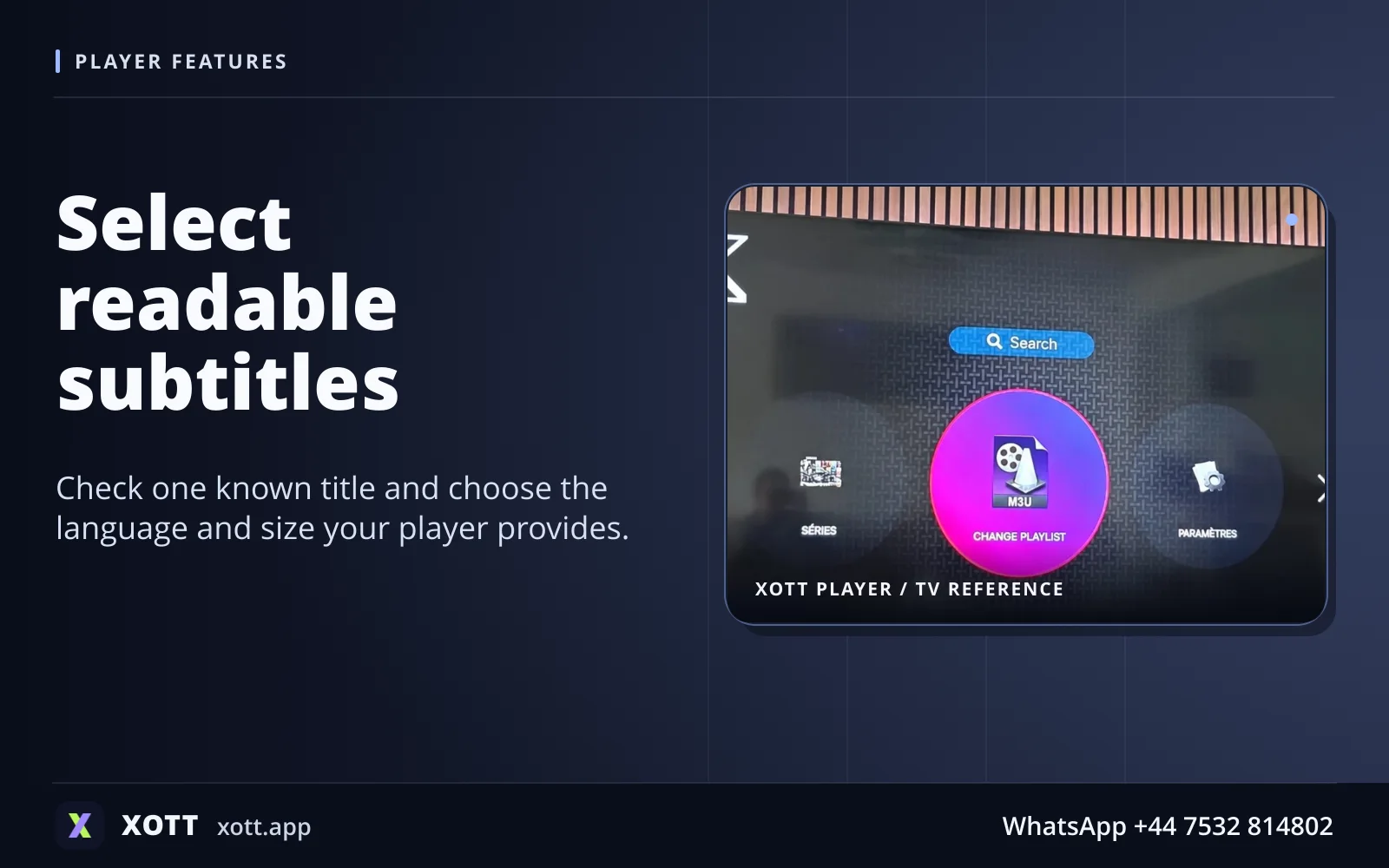
Check the visible text after applying the supported style. If the needed track is absent, report the exact title rather than adjusting its visual style.