 XOTT
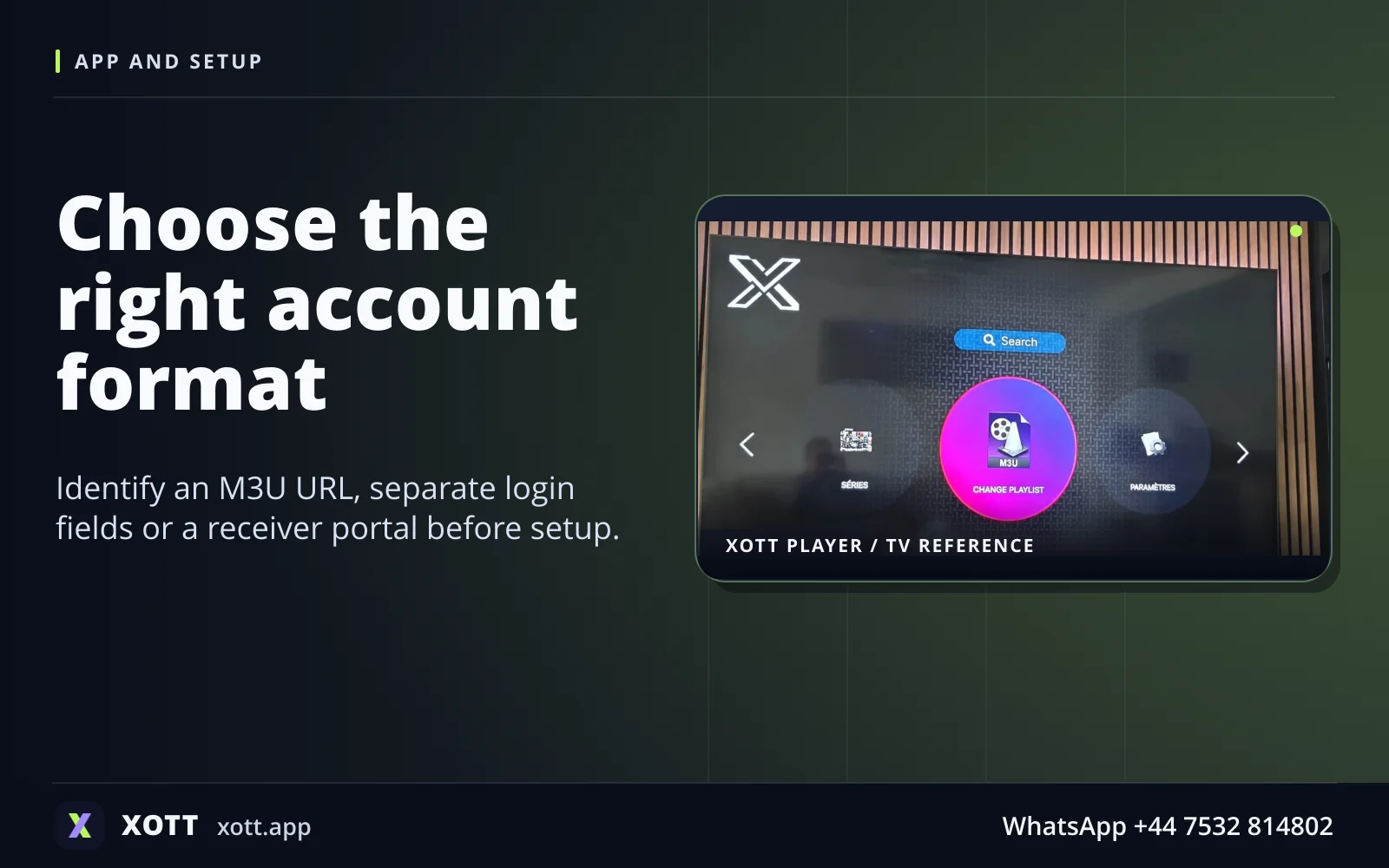
Find where the crop begins
Use a visible menu close to the screen edges. Open the app and compare its key controls and captions. Keep the same HDMI input and picture settings.
Choose the relevant fix
Inspect the television’s documented picture-size options if both views are cut off. Report the exact player layout if only that application crops.