 XOTT
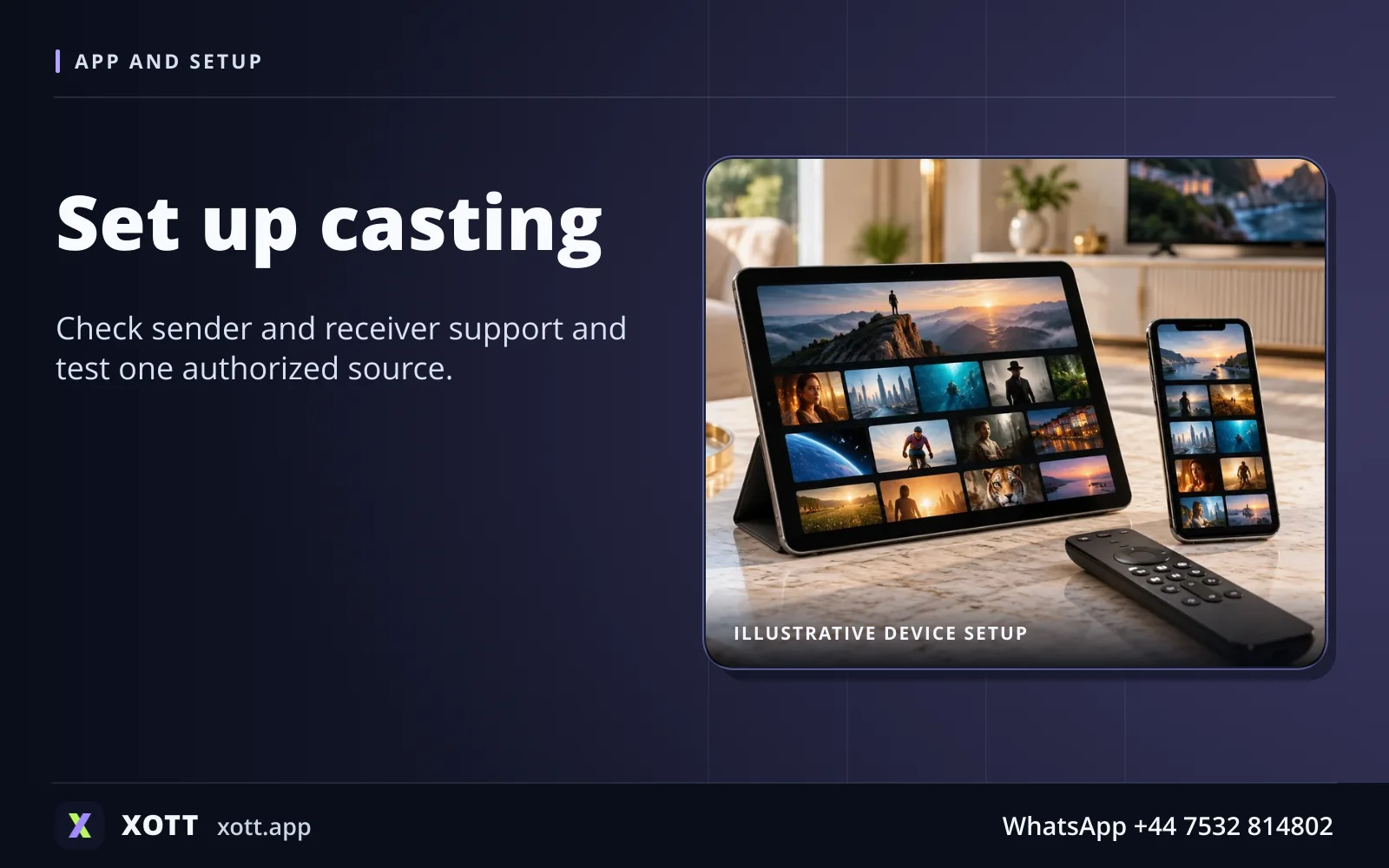
Check the receiver settings
Verify the receiver’s model and AirPlay support. Connect the sender and receiver according to the manufacturer’s network and compatibility instructions.
Try one known item
Select the intended receiver and check whether video and audio play. If the receiver is absent, compare discovery in a known compatible app before modifying the account.