 XOTT
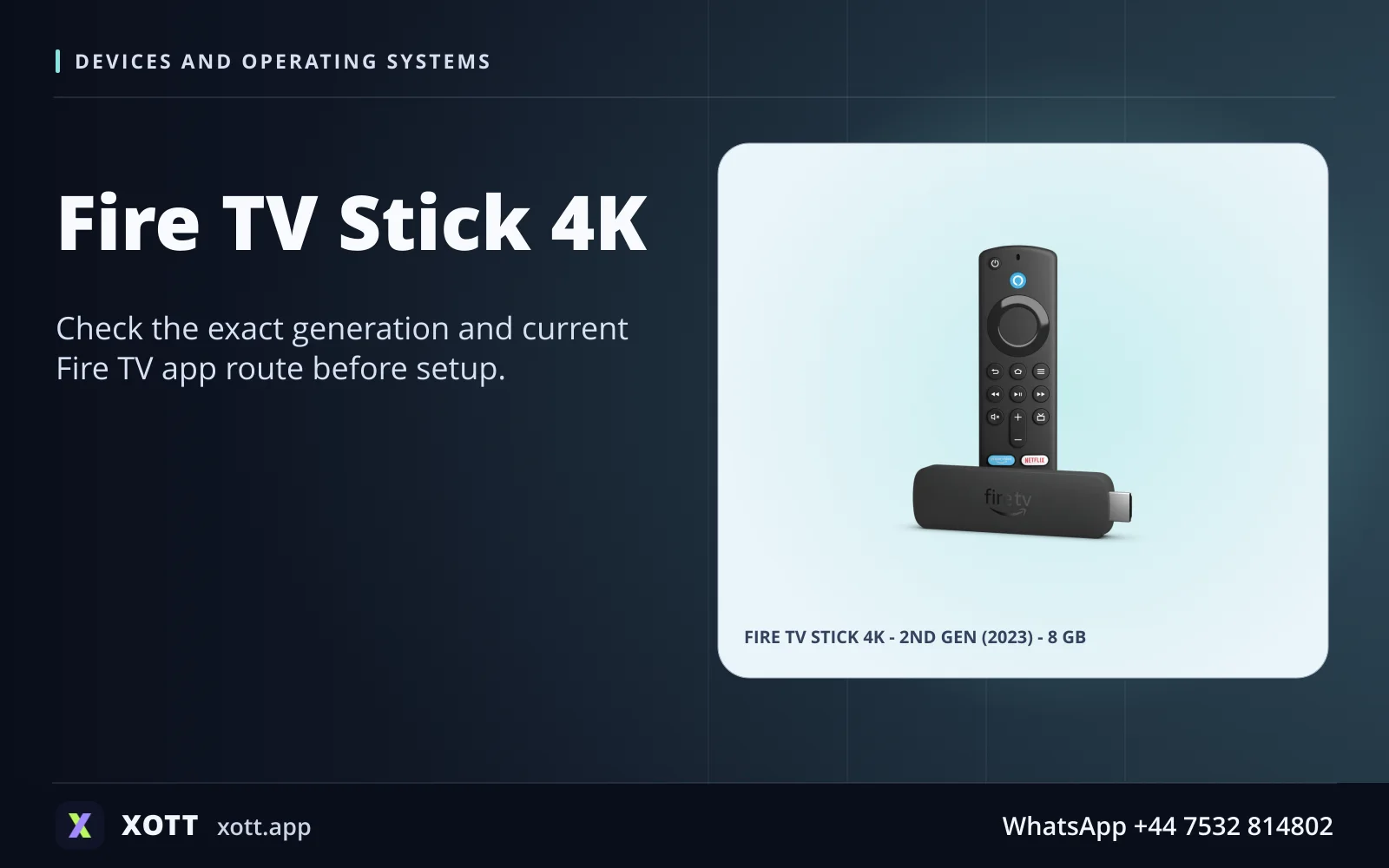
Use the physical remote
Try the player’s profile selector, search input and playback screen. Directional controls should move a visible focus. If a button is reachable only by touch, check whether you installed a TV-compatible edition.
Distinguish the remote and app
If the remote moves normally in the Fire TV home interface, describe where focus stops in the player. When the remote also fails on the home screen, start with the device or remote.