 XOTT
Try basic controls first
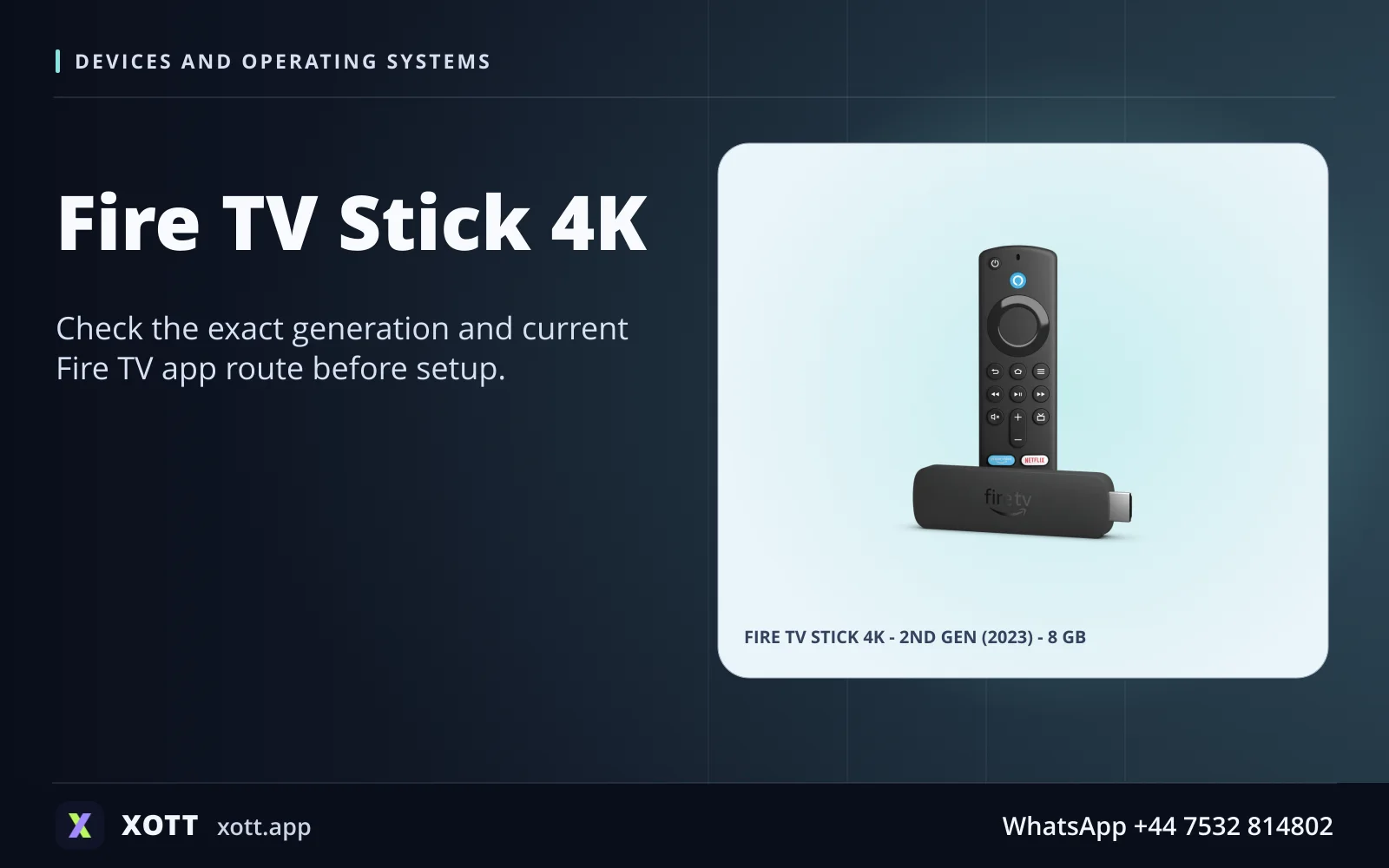
Open the player and use directional buttons, Select, Back and Play or Pause when the app accepts them. Confirm that the remote can stop a session before trying voice navigation.
Read where the command is handled
A voice command may control the Fire TV interface or television. Use the documented app control when a voice command exits or does not affect a source.