 XOTT
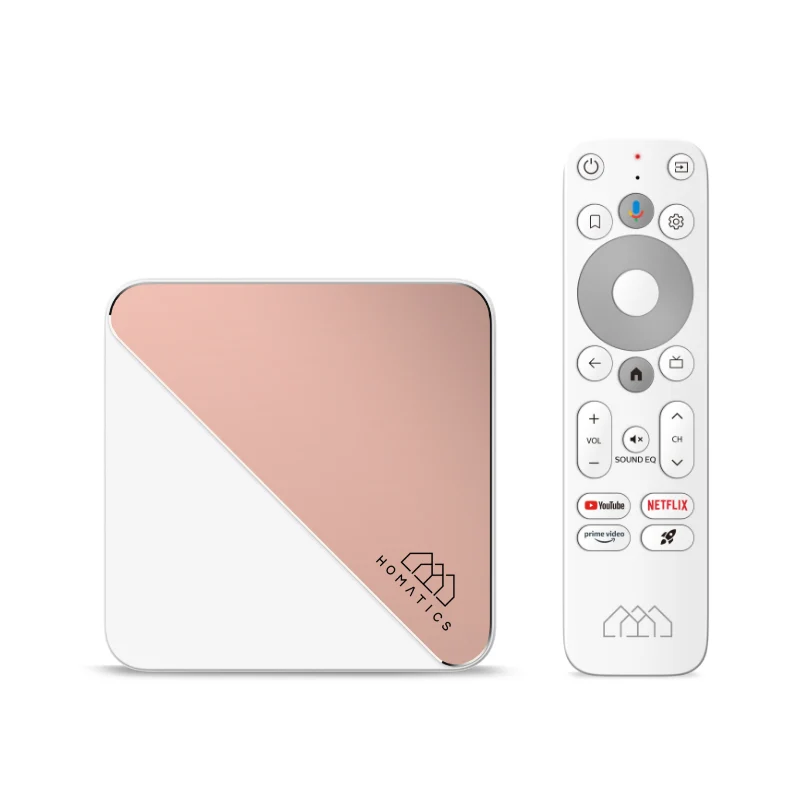
Check the device before installing
Record the system information from the box and review the manufacturer’s model page. Use a current compatible television app and confirm the service account format. Check navigation and the HDMI input before moving your existing settings.
Test a stable source and output
Compare the same item with the normal television audio and your preferred external output. Make one change at a time if adding a wired connection or an audio receiver.