 XOTT
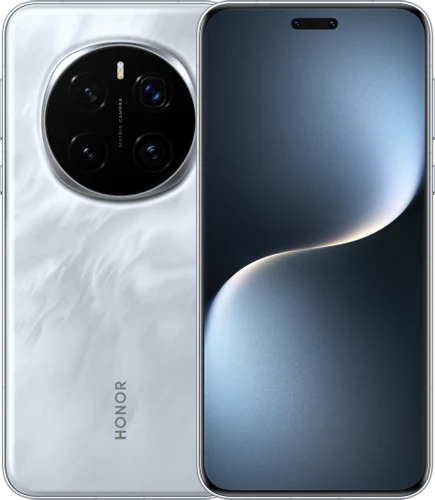
Check the device before installing
Check the phone’s software and store access. Confirm the app’s publisher and account fields in the installed build. Grant only permissions relevant to a feature you are using, such as network access when the app needs to discover a supported receiver.
Use a known first item
Check playback, touch controls and audio output before setting up casting. If only casting fails, test the receiving device and permissions without altering the working local account.