 XOTT
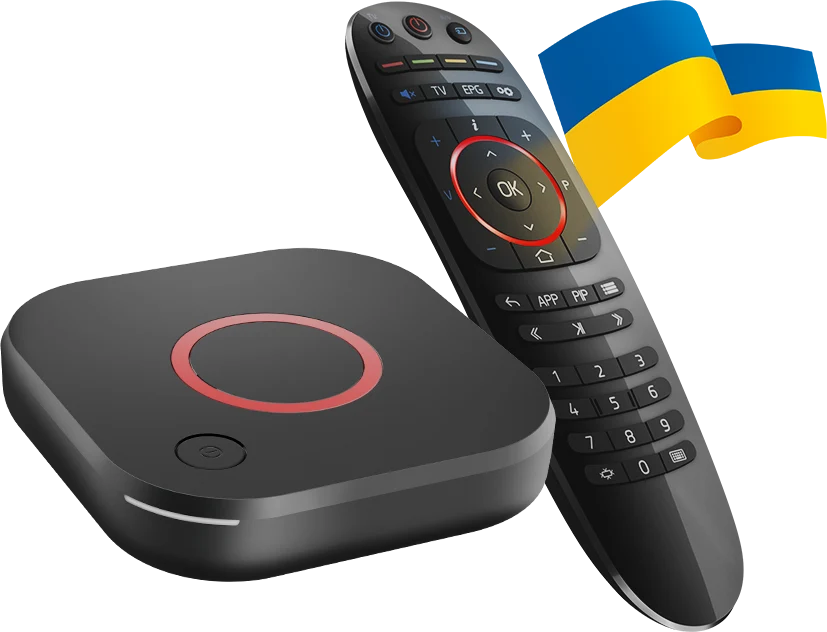
Check the device before installing
Infomir lists the two variants separately. Match the exact model to the supported network route. Enter the portal address from the provider in the receiver’s documented settings and follow its registration instructions if required.
Diagnose a portal load
Check whether the receiver reaches the portal, receives the account categories and opens a known item. If the device was replaced, check registration with support before resetting the working portal details.