 XOTT
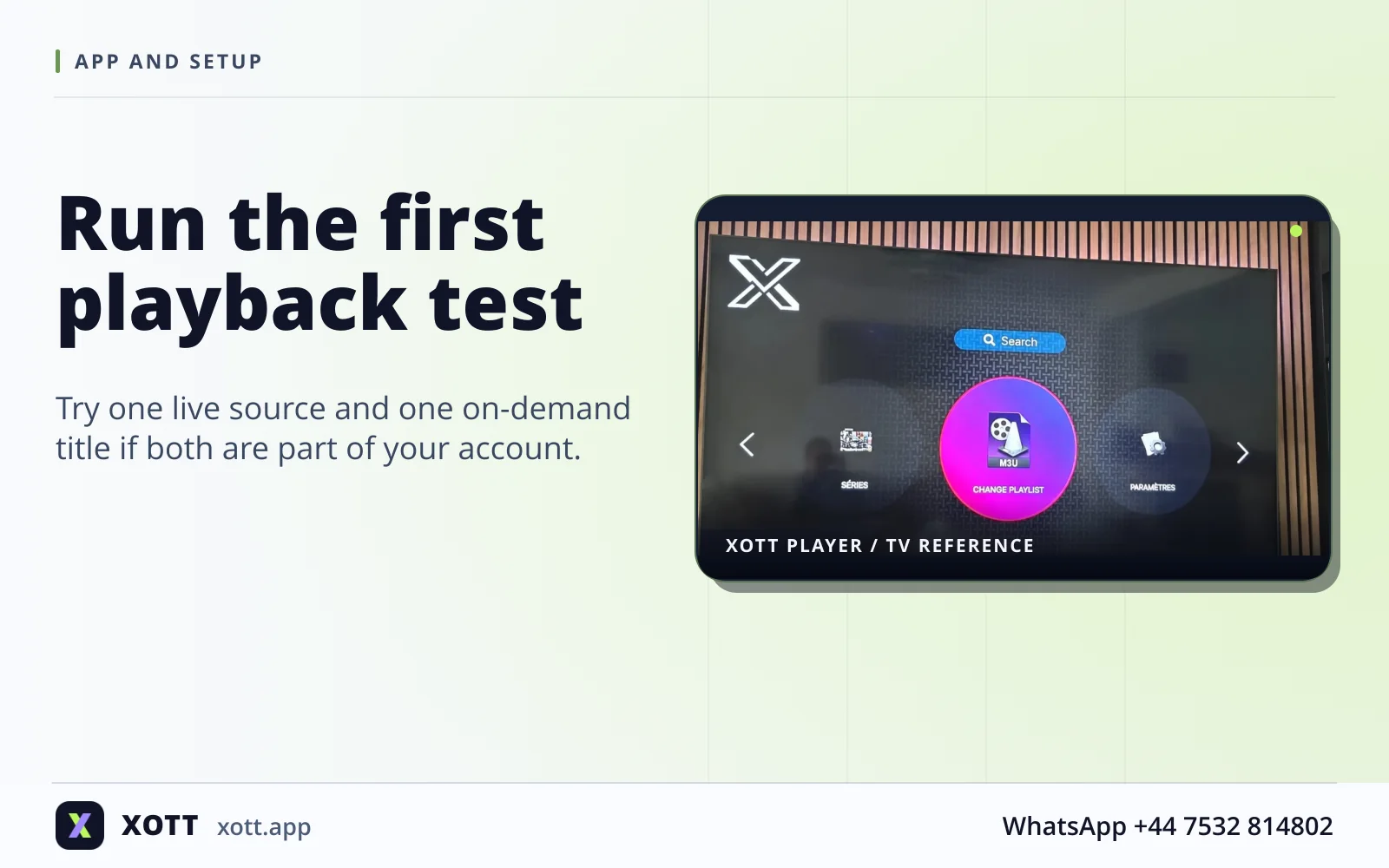
Check the television and player separately
Use Home and input selection to identify the active player device. Compare the app version and login route with the original setup.
Run a familiar item
Try the same source with the normal speaker and remote. Note any change tied to the new display or audio path before replacing an account.