 XOTT
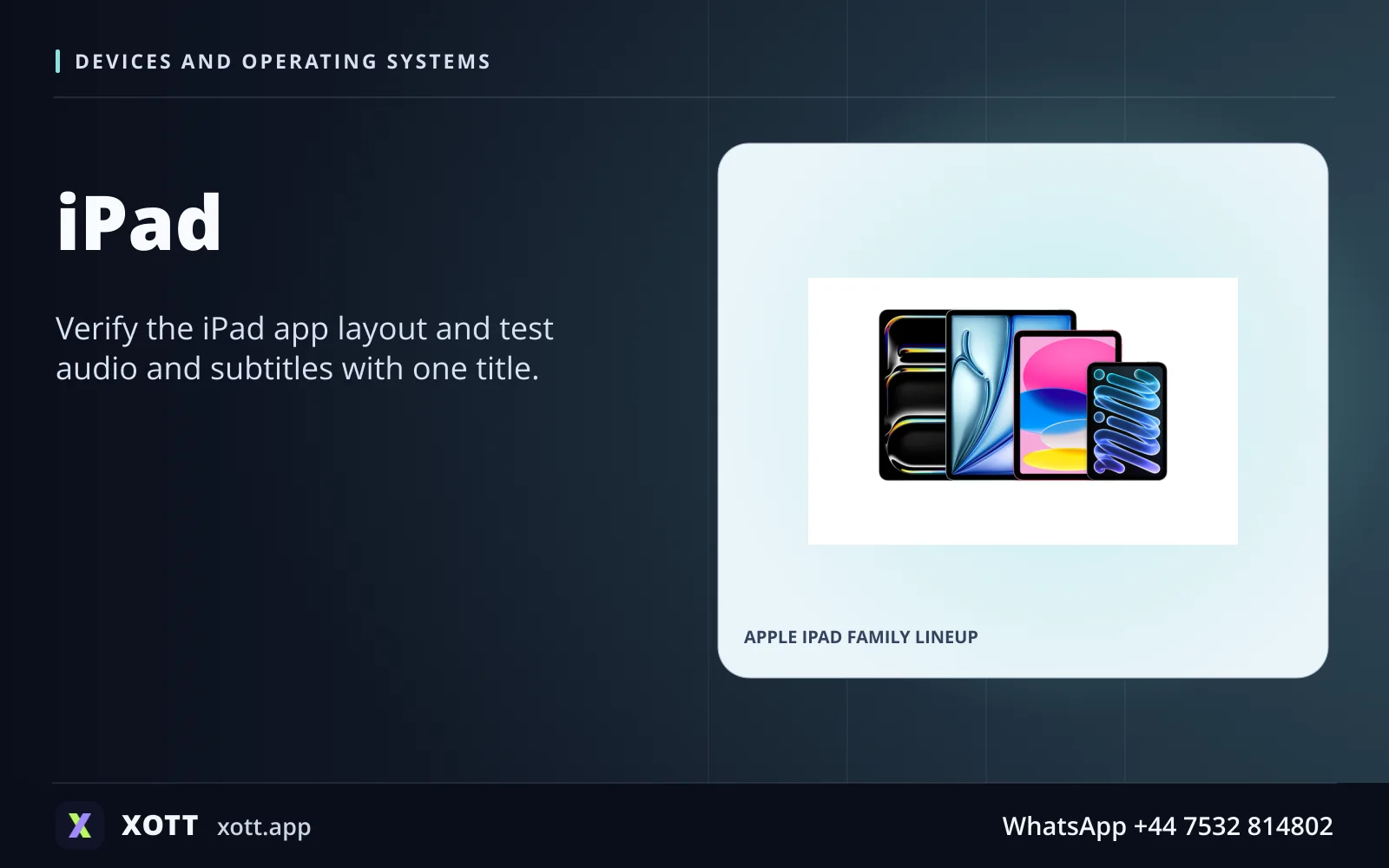
Open the player on iPad
Find the player’s current iPad-compatible listing and review the layout. Use touch to reach the account form and subtitle settings before attaching a keyboard or external display.
Use a short playback test
Check whether captions and the navigation controls remain visible. Repeat without an accessory if an issue appears only in the larger-screen setup.