 XOTT
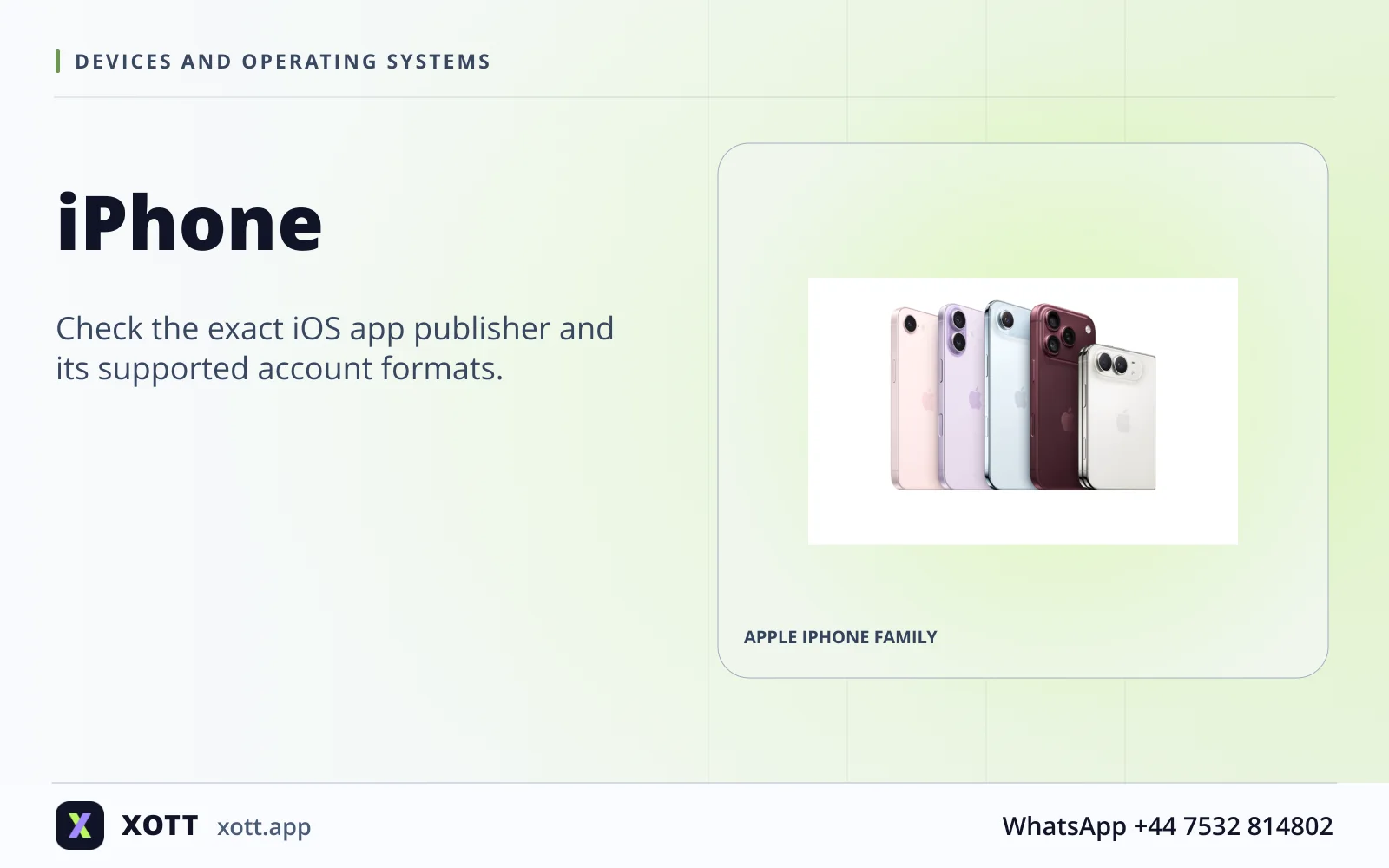
Confirm local playback first
Play a short known item on iPhone. Verify sound and picture, then open the app’s supported AirPlay menu and choose the intended television or Apple TV.
Check receiver and sender control
Test pause and disconnect so you know which screen controls playback. If video is absent on the receiver, compare the app’s supported video route with the chosen output.