 XOTT
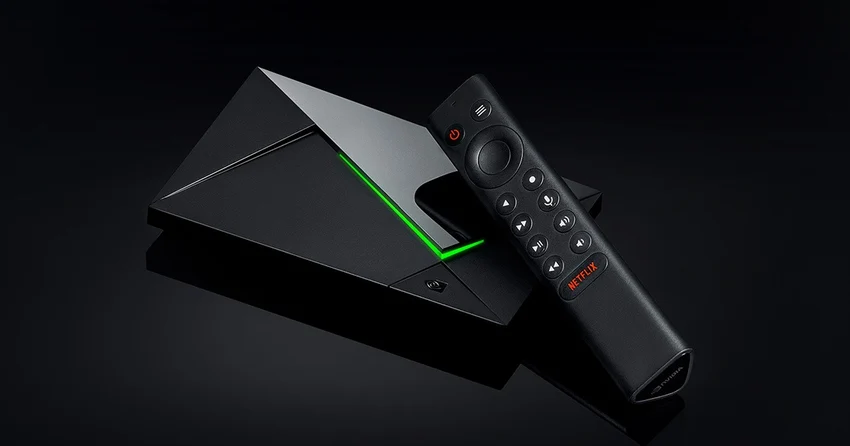
Check the device before installing
Check the current app listing on the Pro. Test the same item through TV speakers and through the connected receiver or soundbar. A format listed in hardware specifications can still depend on the player, item and other equipment in the HDMI path.
Check extensions after playback
Set up external storage or a wired link only after the app and account work. If the problem appears after adding an accessory, remove that change and repeat the original playback test.