 XOTT
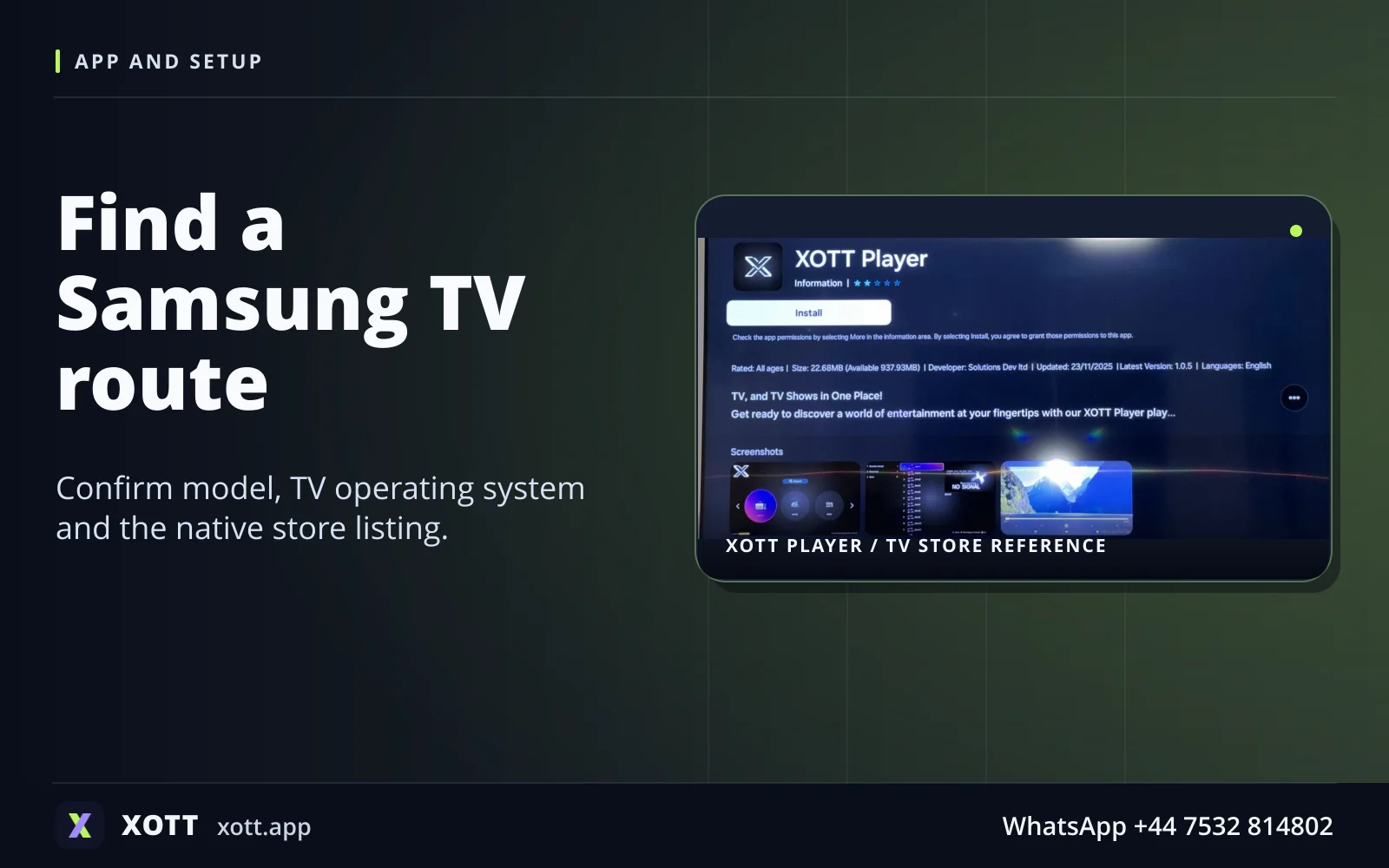
Find the active interface
Open Samsung Home and Apps to inspect a native installation. If the player appears only while a separate HDMI input is active, record the attached box or stick’s identity instead.
Use the right support information
Share the operating system and player from the device running the application. TV sound and picture settings still matter if the issue follows the HDMI input.