 XOTT
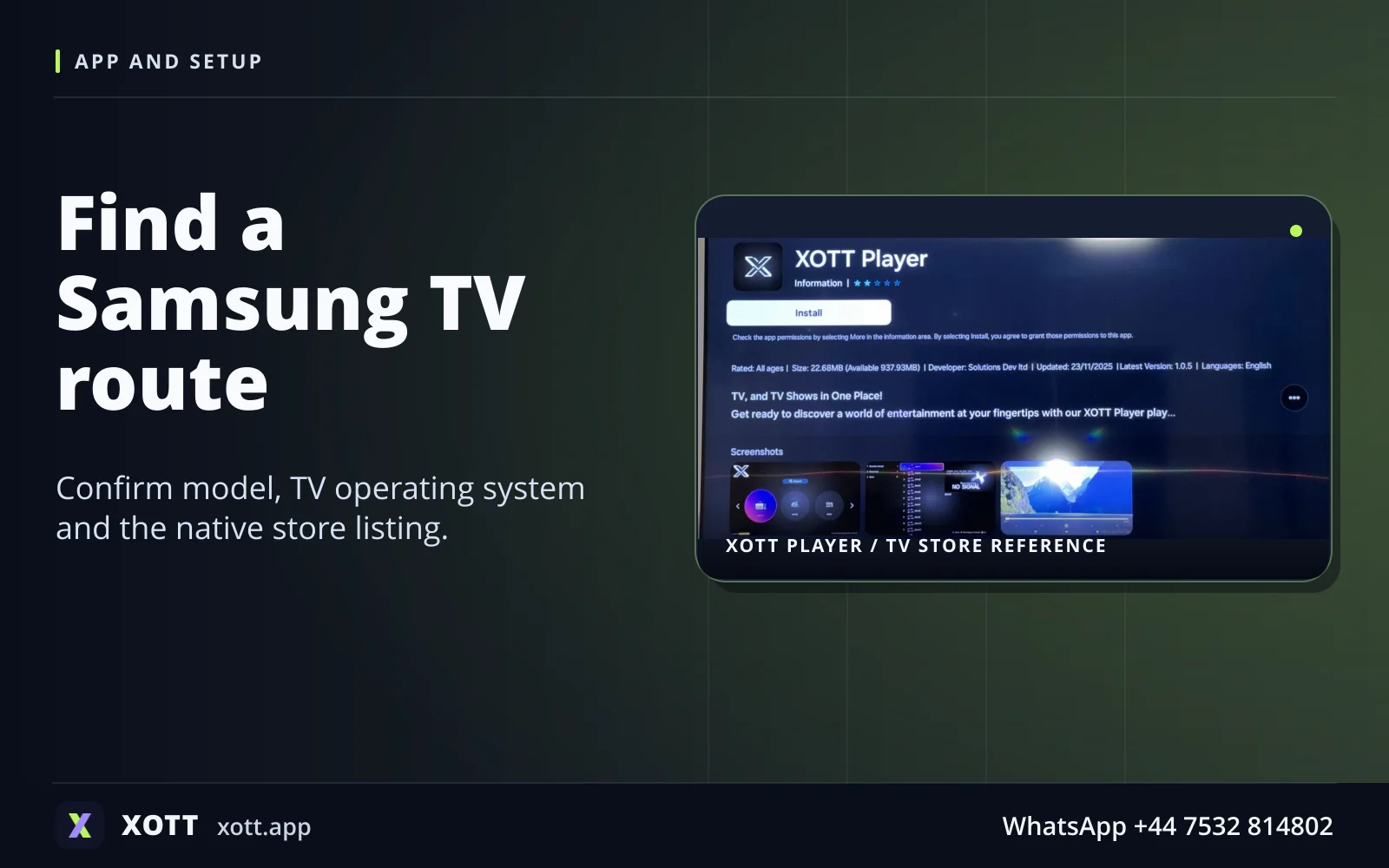
Find the application information
Use the TV’s app management route for the exact model. Record the current player name and version where shown. Check whether the app store lists an update or still shows the same build.
Retest the normal viewing route
Check the same short source after an approved update. Keep the viewing account separate from any Smart Hub sign-in requirement.