 XOTT
Check the device before installing
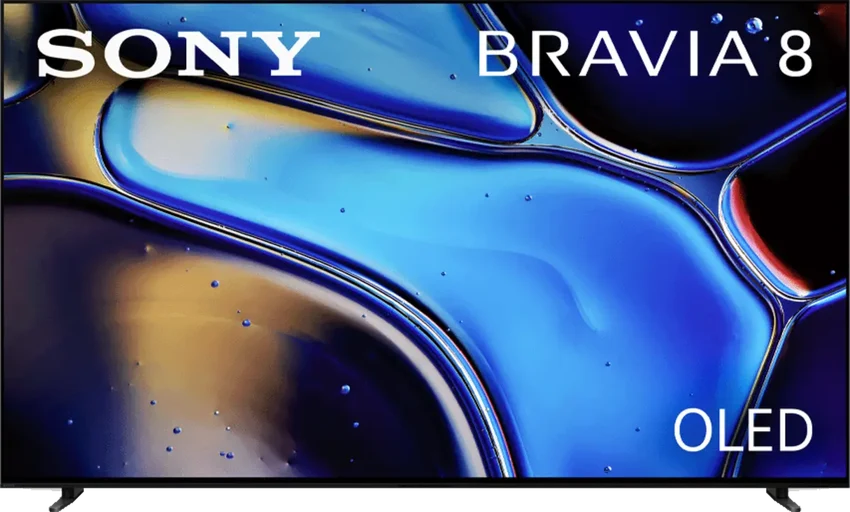
Compare the exact K-65XR80 identifier with Sony’s model page. Search Apps and verify the developer of the player offered on your TV. Start with one supported account and test its remote controls.
Check app and HDMI routes separately
If you use an external player box, open the app on the box and select the correct Sony HDMI input. Compare that source with native TV playback only after you establish which device runs each player.