 XOTT
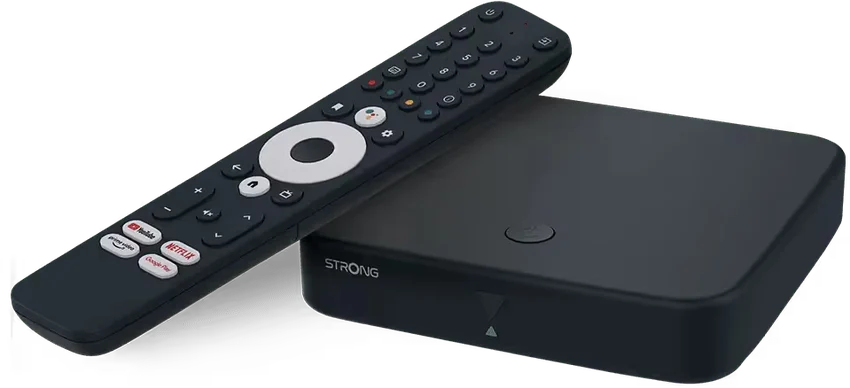
Check the device before installing
Confirm the receiver model and locate a supported player in its TV store. Test the app’s directional controls, back action and text entry. Choose the issued M3U, service login or other format only if the player provides that option.
Preserve a working reception mode
Keep any existing TV input or channel setup in place while testing the compatible app. If one interface stops responding, note whether the problem occurs in the player or in another part of the receiver.