 XOTT
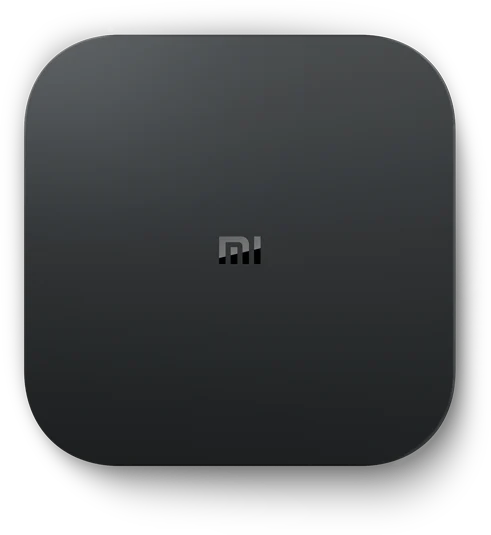
Check the device before installing
Verify the model on the box, then open its supported app catalogue. The Mi Box 4K and current Xiaomi TV Box S models are distinct products. Confirm the Android TV listing and use the remote to check login input.
Test your actual picture path
Try a familiar HD item before checking output to a 4K screen. Keep a note of the HDMI input and displayed resolution, and test the same source after any changes to the picture mode.