 XOTT
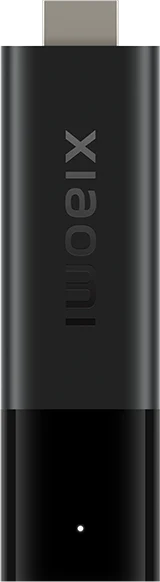
Check the device before installing
Check the Xiaomi product label and system information. Select the player on the television interface and confirm its account inputs. Compare an ordinary source first so the HDMI output and app can be checked independently of high-resolution playback.
Find which part changes the image
If an item looks soft, inspect the player’s displayed stream information when available, then check the device output and television input. A 4K-capable HDMI stick can output a lower-resolution source.