 XOTT
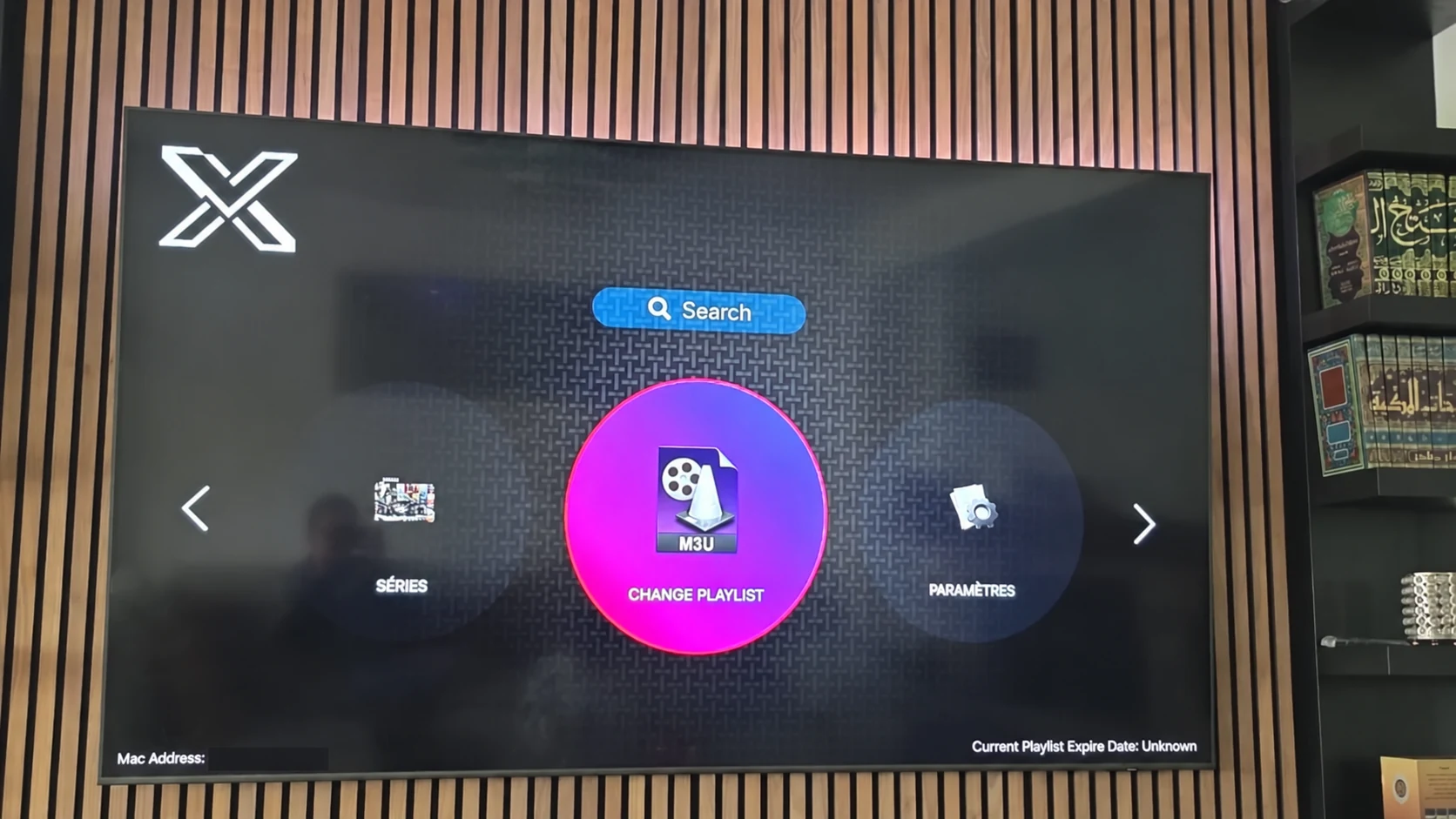
Find the desktop input
Use the desktop app’s actual listing and supported fields. Check whether it accepts an M3U link or separate sign-in. A TV receiver portal can require a different route.
Test without changing the television
Close playback on the TV first if your plan allows one connection. Test a known programme on the computer, then check the display and audio controls you plan to use.