 XOTT
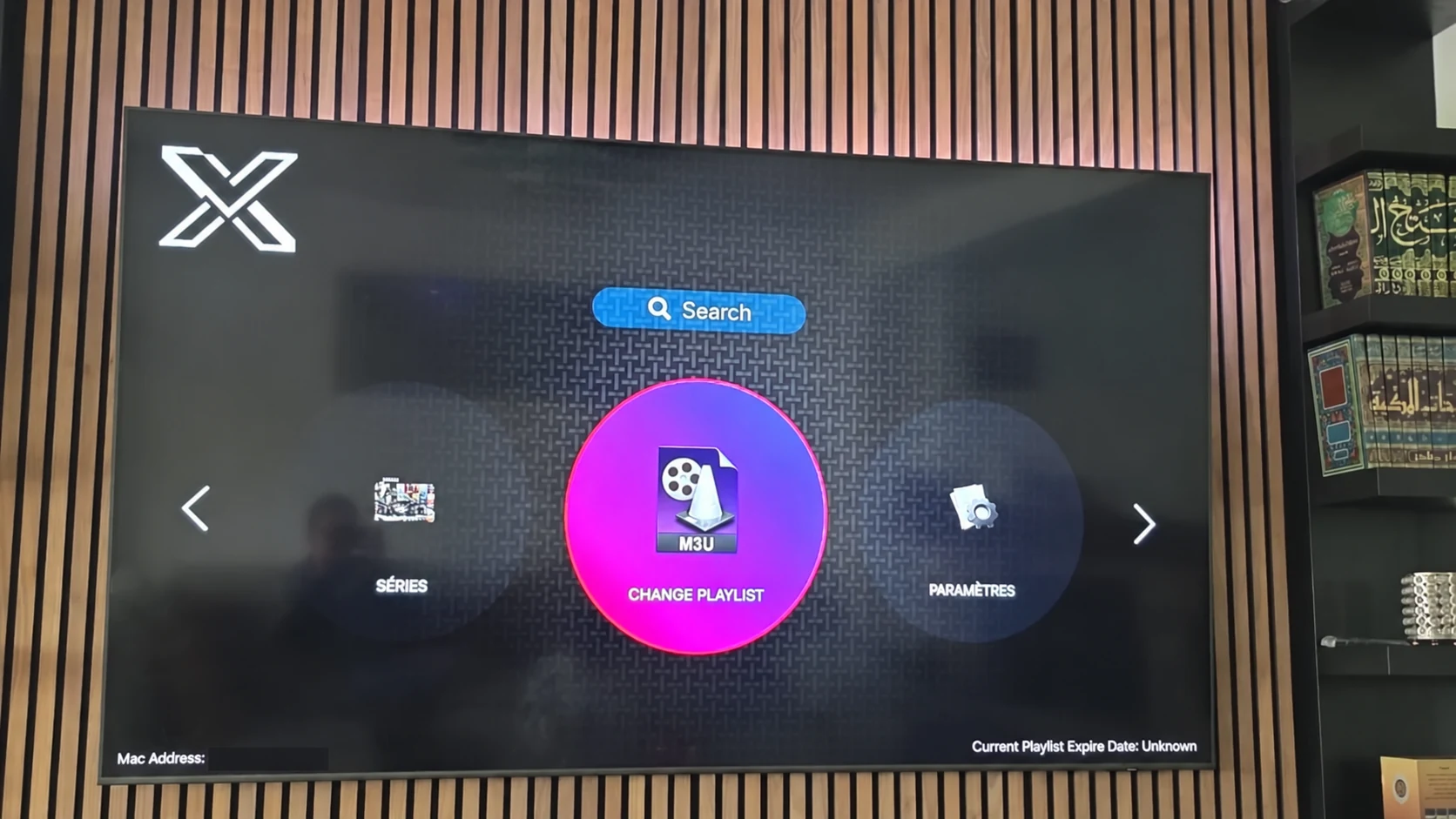
Use a programme with a known start
Open the source’s current schedule for the correct regional feed. Compare one programme’s listed start with the time shown in the player.
Check whether the offset is consistent
If several entries are shifted by the same amount, review the time settings. If only one channel differs, record the feed and schedule before asking for help.