 XOTT
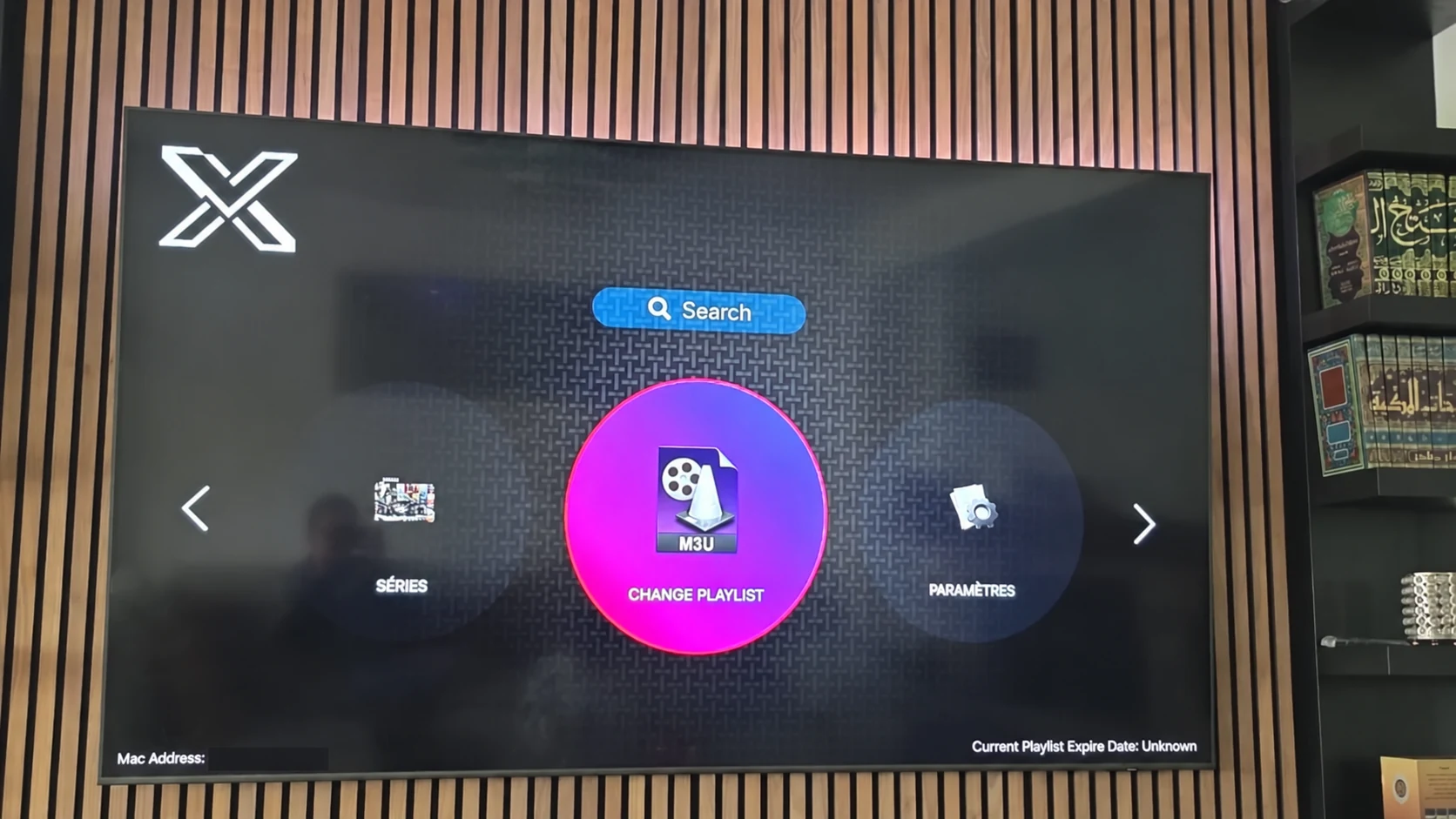
Test device pairing first
Use the device maker’s pairing process. Try moving focus, selecting an item and returning to the previous screen before changing any app settings.
Keep the playlist intact
Open a known playlist entry and test the same programme you used before the remote change. If only one app fails to navigate, report the player and remote model together.