 XOTT
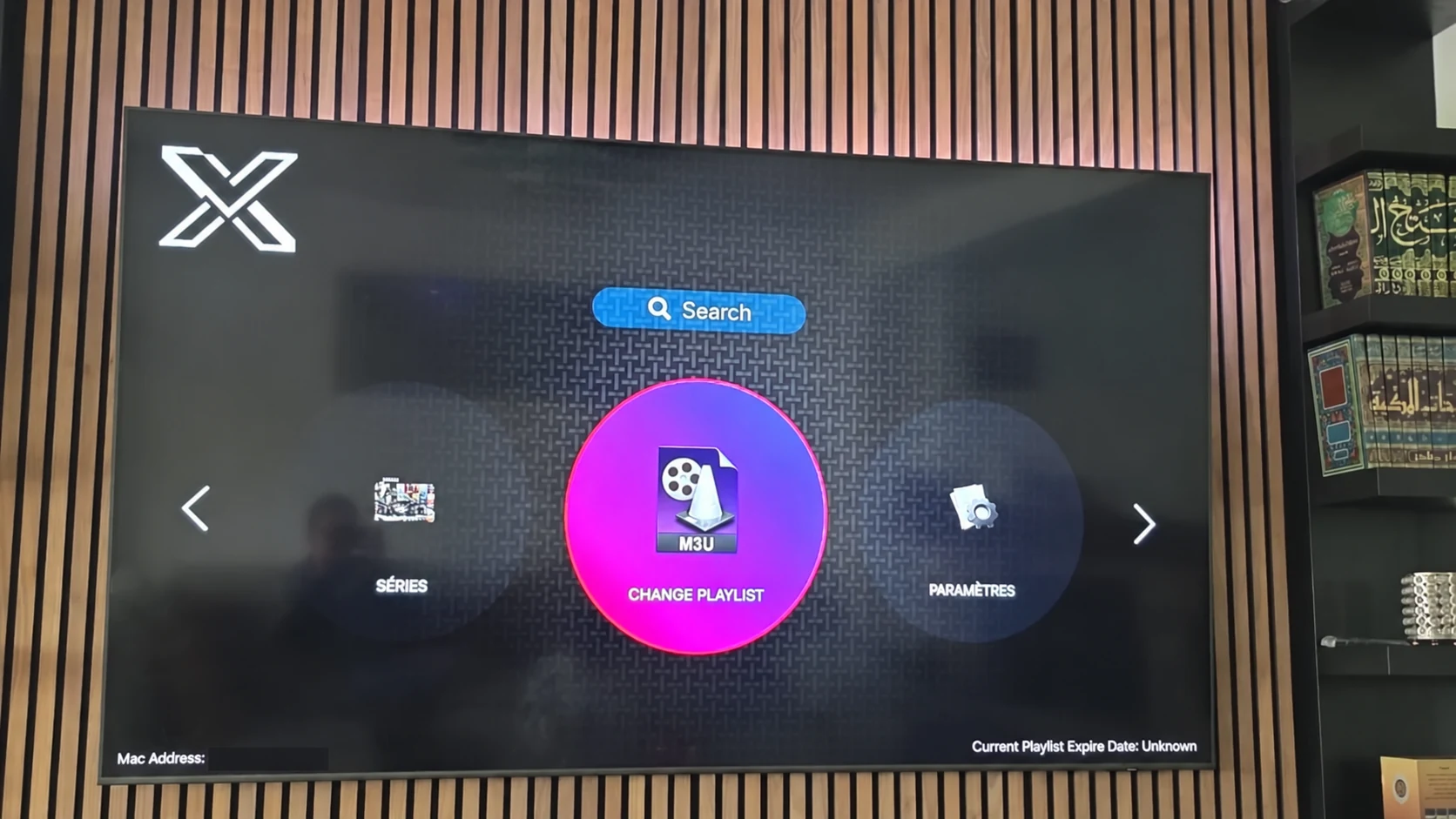
Check the remote controls
Try selecting a group, going back and opening a programme using the television remote. Review any available profile or parental controls before sharing access.
Keep credentials off the screen
Save the account details in a private location. Leave the player on a recognizable home screen and show other viewers how to select the correct entry.