 XOTT
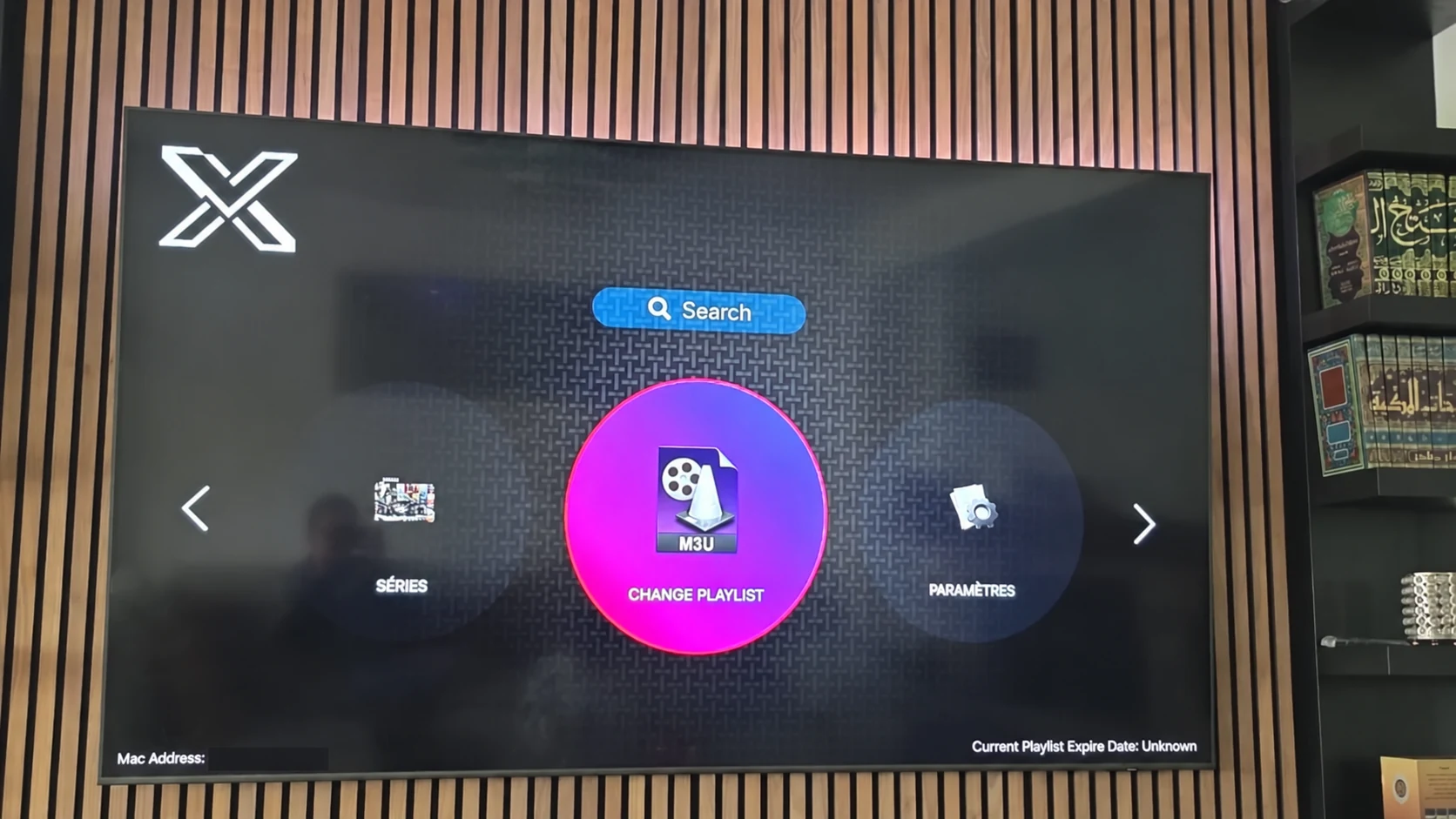
Check the owner’s permission and setup
Use a compatible player and confirm the connection allowance. Avoid adding the account in a shared profile or storing its private details where another person can access them.
Remove the entry and verify
Sign out or remove the playlist using the player’s own settings. Reopen the app to check the entry is gone. Ask the account issuer about replacement details if they were exposed.