 XOTT
Identify the intended device
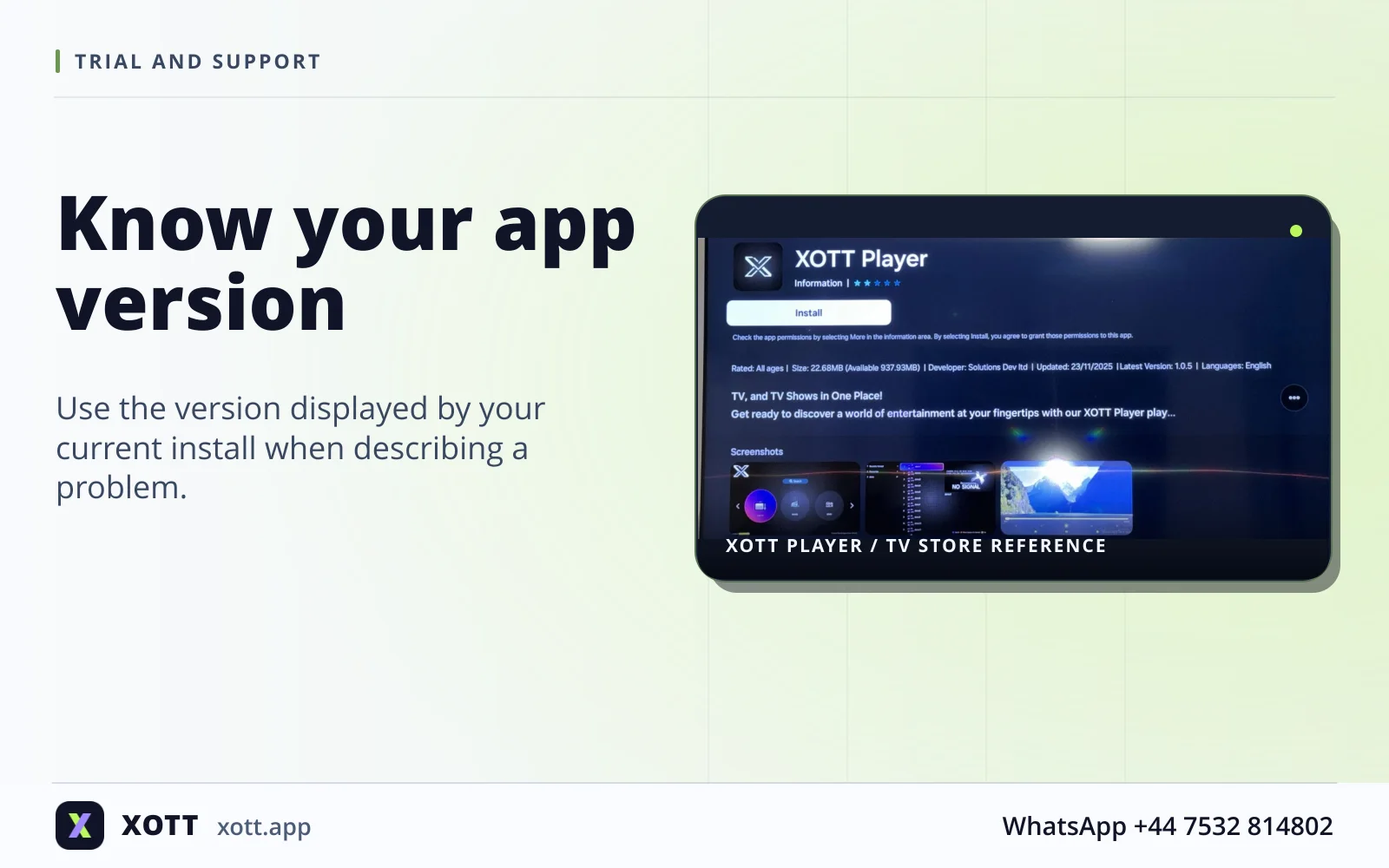
Read the model and selected device in the store’s installation prompt. Verify that the app is the compatible edition. Avoid selecting a similarly named television or box.
Test after choosing the correct target
Open the installed app on the intended device and check the account form. If the device never appears, verify compatibility on its own store.