 XOTT
Check the local connection first
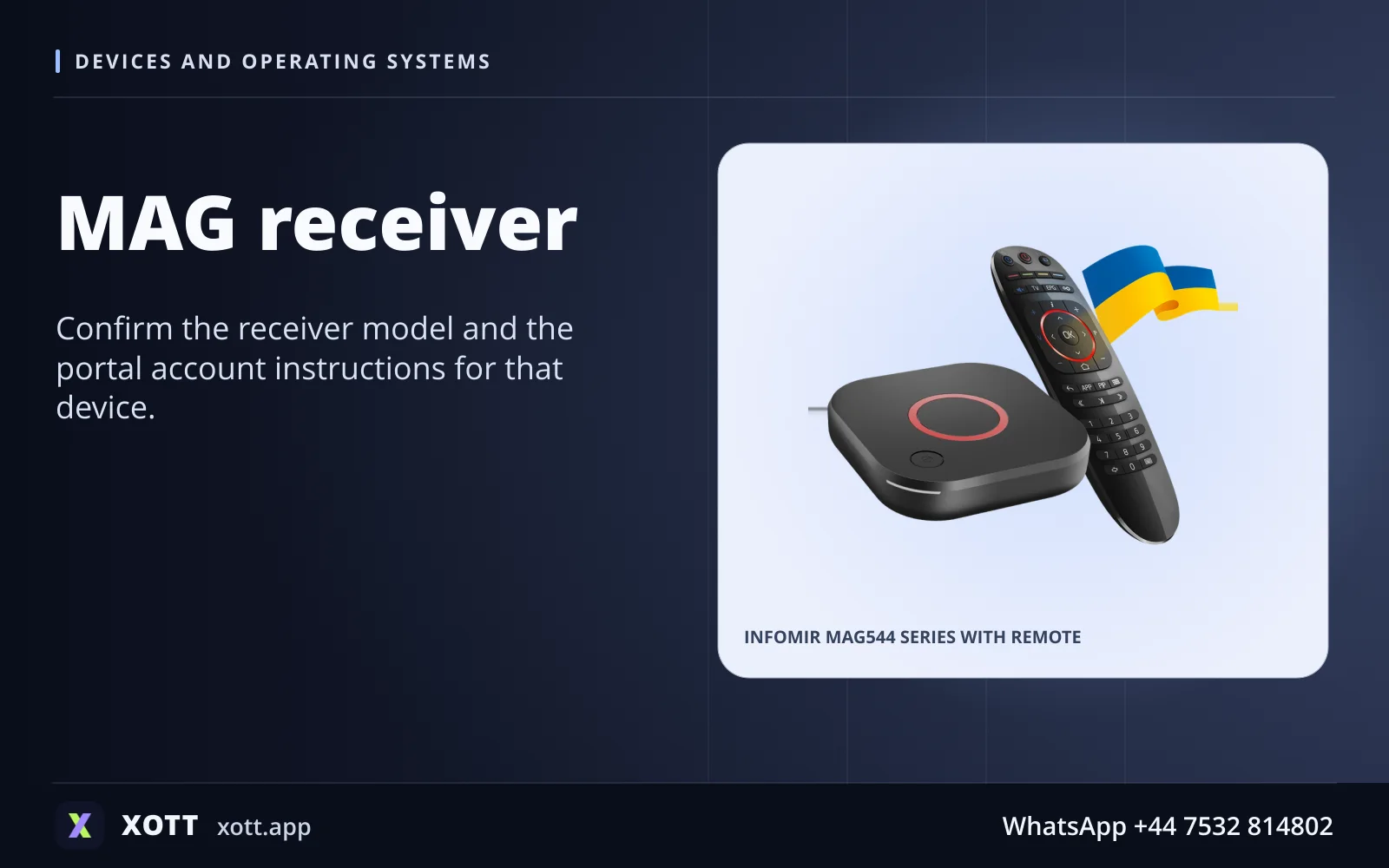
Use the receiver’s documented network information and confirm whether it is connected. Record the exact model and earliest portal error.
Verify the assigned route privately
Ask support to confirm the issued portal and required registration for the model. Keep the identifier and portal details out of public captures.