 XOTT
Record the version and error
Read the current receiver software and compare its network state with the old setup. Identify whether the portal screen opens at all.
Check the exact new software and the assigned portal route before replacing registration details.
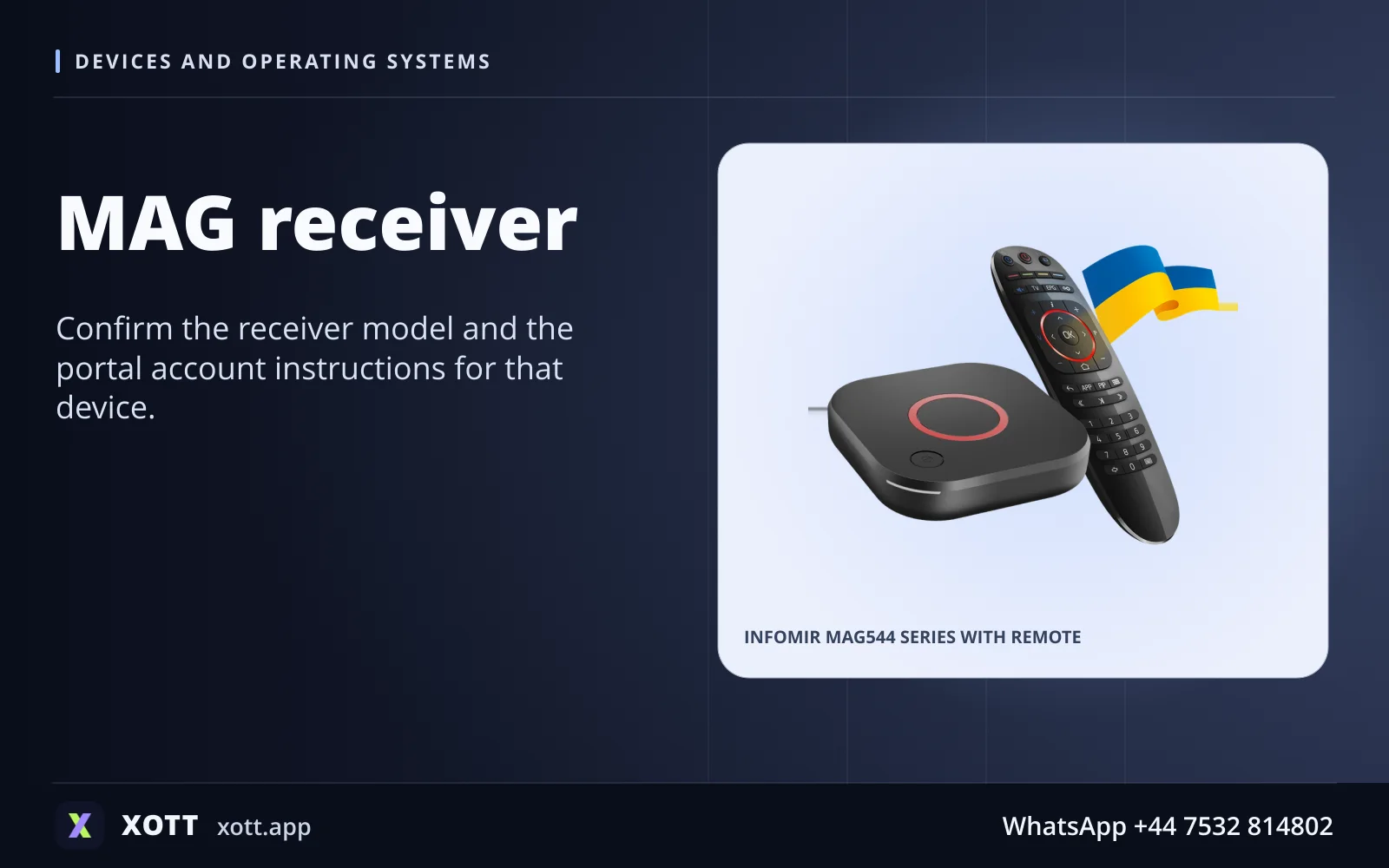
Read the current receiver software and compare its network state with the old setup. Identify whether the portal screen opens at all.