
An APK is an Android installation package
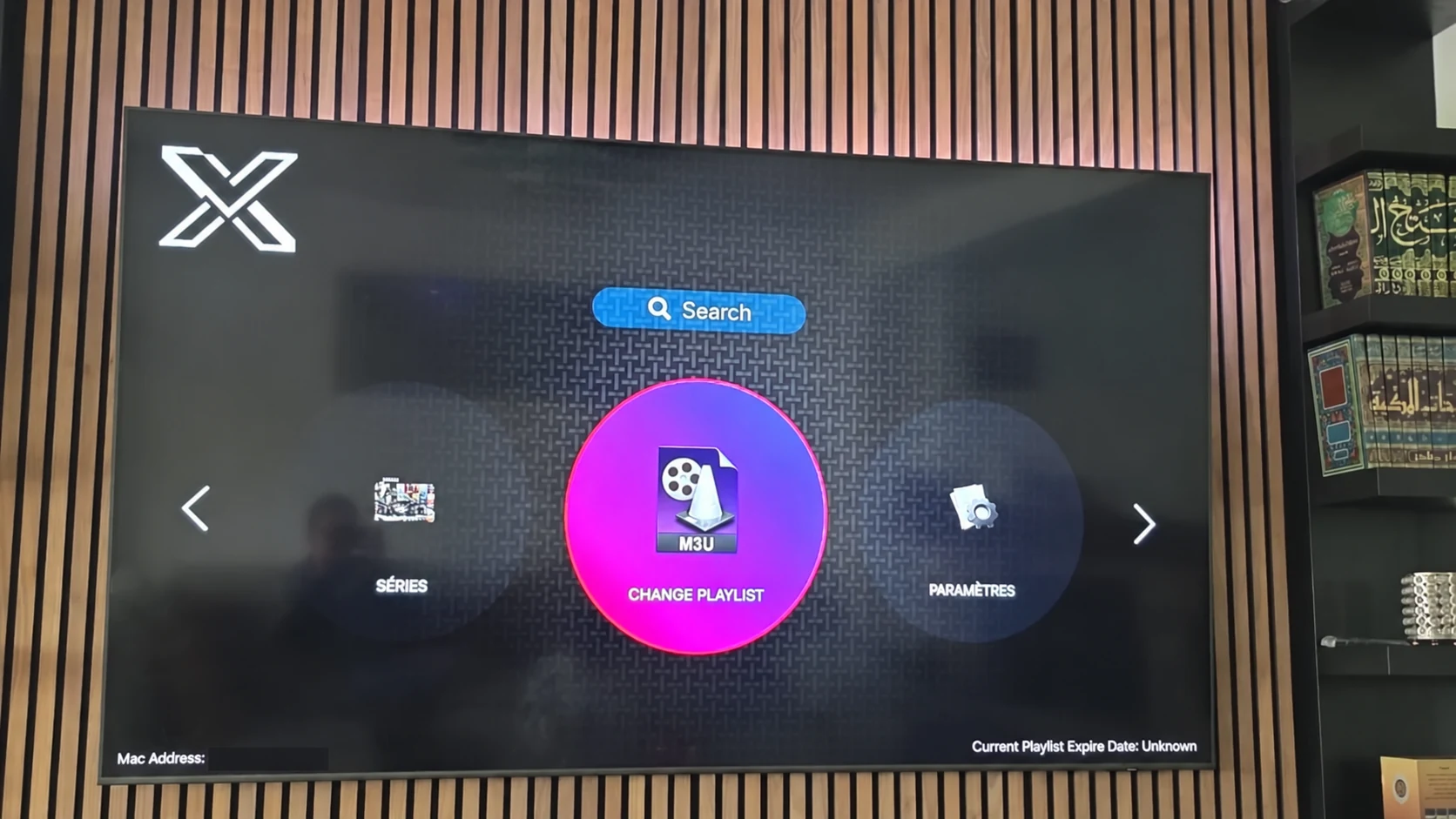
A search for XOTT APK should lead to a confirmed Android build, not to a renamed television app or a code for another player. The photographed Smart TV listing does not establish an Android package. The supplied download list contains no verified XOTT-specific APK.
Start with the Android device model and current software. A phone, tablet and Android TV can have different interface needs even when they use Android-based systems. A television build should support remote navigation; a mobile build should suit touch controls.
What a matching Android source should identify
- The exact application name and publisher information.
- The intended Android device type and supported version.
- The installation destination and package format.
- The account or playlist connection method.
- The current update route after the first installation.
Ask support to confirm those points when an installer is supplied privately. Do not reuse a code from the separate 8K player list while calling it a XOTT package.
After a confirmed build is installed
Open the app without entering credentials first. Check the interface, navigation and account fields. Once the app identity and account format are confirmed, request the matching login privately and save the supplied values carefully.
Test more than one live source and an on-demand item where available. If the app loads the playlist but a specific file does not play, record that symptom separately from installation. Decoder, format, account and network conditions can produce different playback results.
If an Android XOTT build is unavailable
A compatible alternative player may be the supported route for the device. Use its own name, package and instructions, and confirm whether it accepts the account information issued by support. An alternative is a separate application, not an unofficially renamed XOTT APK.
The download reference hub labels the supplied 8K app entries individually. The XOTT app guide explains the platform checks without inventing a download link.
Questions about this XOTT guide
Is XOTT the same name as X OTT?
This website uses XOTT as its brand and includes X OTT as a common spaced form. Always check the installed application identity rather than relying only on a similar name.
Does installing XOTT Player include a subscription?
Installation provides the player. A compatible service account supplies access to its available playlist and streams.
Where can I download the XOTT app?
Check the legitimate source available to your device. The photographed television listing is a Smart TV example; other platform builds must be confirmed separately.
How do I request a one-day trial?
After installing your player, WhatsApp support with your device and app name. Support confirms a matching account and current trial availability.
Can I use the app on two screens at the same time?
The published subscription plans include one customer connection. Installing a player on another device does not add another simultaneous connection.
Is an 8K player code a XOTT code?
No. A code in the supplied list belongs to the named separate player. Confirm a specific XOTT download source before installing it.
Your next step
After installing your player, WhatsApp us for a one-day trial. Include the device model, the exact app name and the account or playlist screen you see. Support will confirm a matching login method before you enter any account details.