
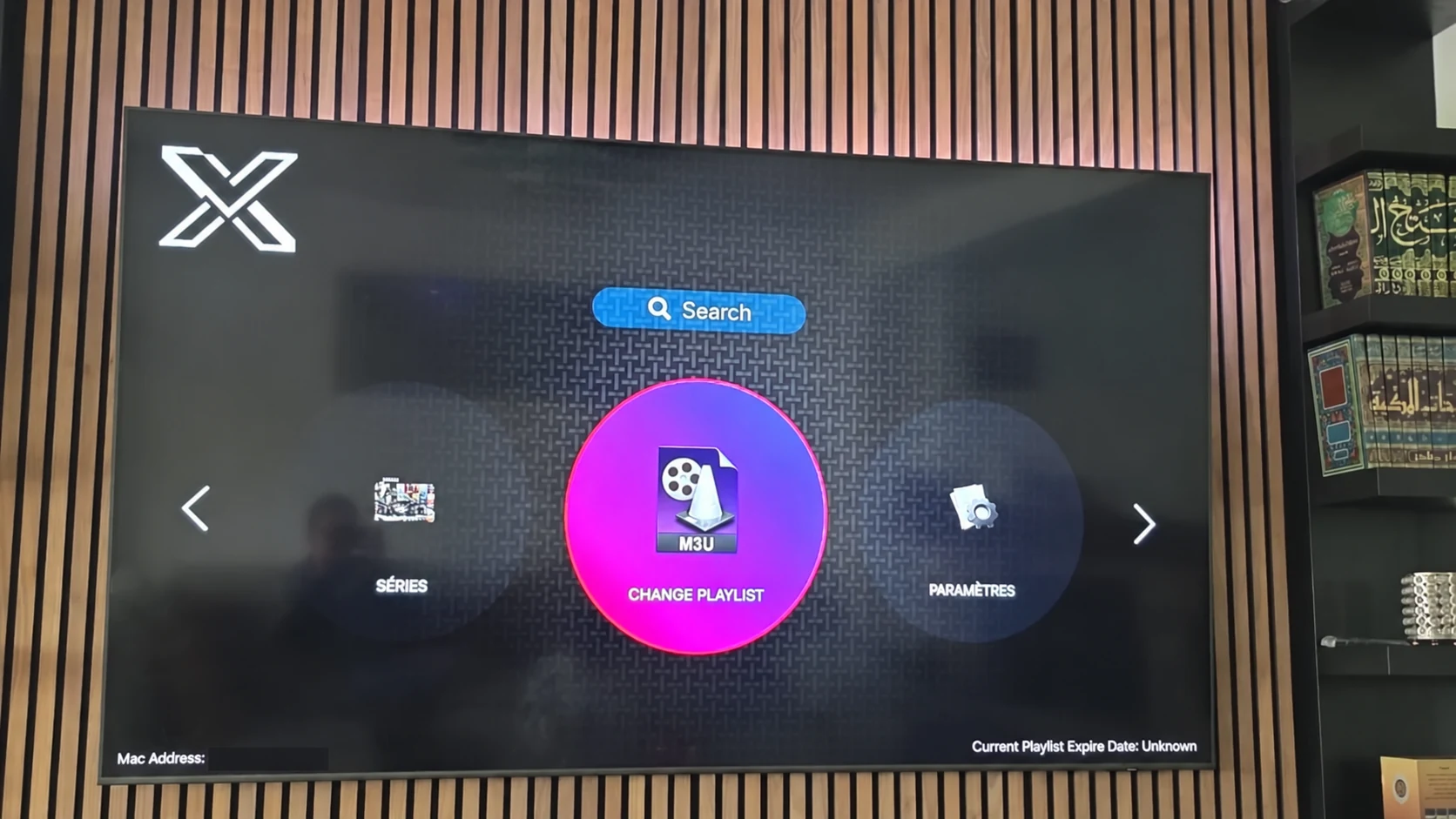
Know why the playlist is changing
A playlist change may introduce a renewed account, a different provider option or a corrected connection method. Write down the purpose before removing a working setup. If the only issue is one source, a full account replacement may not be the right first step.
Confirm the new account and the method supported by the installed XOTT Player. The illustrated playlist control is a visual reference; follow the current app’s actual fields and labels.
Record the state you want to keep
Note category filters, favorite behavior, guide time display and audio preferences where the player offers them. Some settings may be local to the app, while others can depend on the connected account. Check what the player actually preserves.
Keep login values in a private place. Avoid exporting passwords, tokenized links or device identifiers into public notes. A simple record of the method and useful settings is enough for the public troubleshooting description.
Save once and compare a known source
- Confirm the new account is intended for your selected server or playlist method.
- Open the playlist or account control in the current app.
- Enter the new values carefully.
- Allow loading to finish before refreshing again.
- Compare a previously tested live source.
- Review guide data and an on-demand item where available.
- Record which settings persisted and which need adjustment.
When to stop and ask support
Stop if the application rejects the method or the account details no longer match the intended route. Repeatedly switching between different formats can make the original symptom harder to diagnose. Send the app identity, device model, selected method and exact message privately.
If playback changed only for one title, include that item and test time. If every source is affected, record whether the same account works on another confirmed supported setup. Use the evidence to choose the next check.
Questions about this XOTT guide
Is XOTT the same name as X OTT?
This website uses XOTT as its brand and includes X OTT as a common spaced form. Always check the installed application identity rather than relying only on a similar name.
Does installing XOTT Player include a subscription?
Installation provides the player. A compatible service account supplies access to its available playlist and streams.
Where can I download the XOTT app?
Check the legitimate source available to your device. The photographed television listing is a Smart TV example; other platform builds must be confirmed separately.
How do I request a one-day trial?
After installing your player, WhatsApp support with your device and app name. Support confirms a matching account and current trial availability.
Can I use the app on two screens at the same time?
The published subscription plans include one customer connection. Installing a player on another device does not add another simultaneous connection.
Is an 8K player code a XOTT code?
No. A code in the supplied list belongs to the named separate player. Confirm a specific XOTT download source before installing it.
Your next step
After installing your player, WhatsApp us for a one-day trial. Include the device model, the exact app name and the account or playlist screen you see. Support will confirm a matching login method before you enter any account details.