
What a Downloader code actually does
A Downloader code provides a route to a destination such as an installation page or package. It does not by itself identify an active subscription, pay for a term or supply login credentials. Check the destination and exact app identity before installation.
No XOTT-specific code was verified in the supplied source list. The source list includes separate named 8K players. Their codes must not be renamed as XOTT downloads, even if the same account provider supports more than one player.
Check the code before using the package
- Confirm the intended app name and device platform.
- Ask support for the current matching distribution source.
- Inspect the destination reached by the code.
- Compare publisher and package information.
- Install only a build intended for the actual device.
- Open its account screen and confirm the supported login method.
If the destination names another player, record that real name and use its own instructions. Do not assume every app has the same server choices or input fields.
TV app stores and APK codes are different routes
A television store may distribute a native Smart TV application directly. A code leading to an Android package is a separate route for an Android-compatible device. It does not install a native Tizen or webOS application on those television platforms.
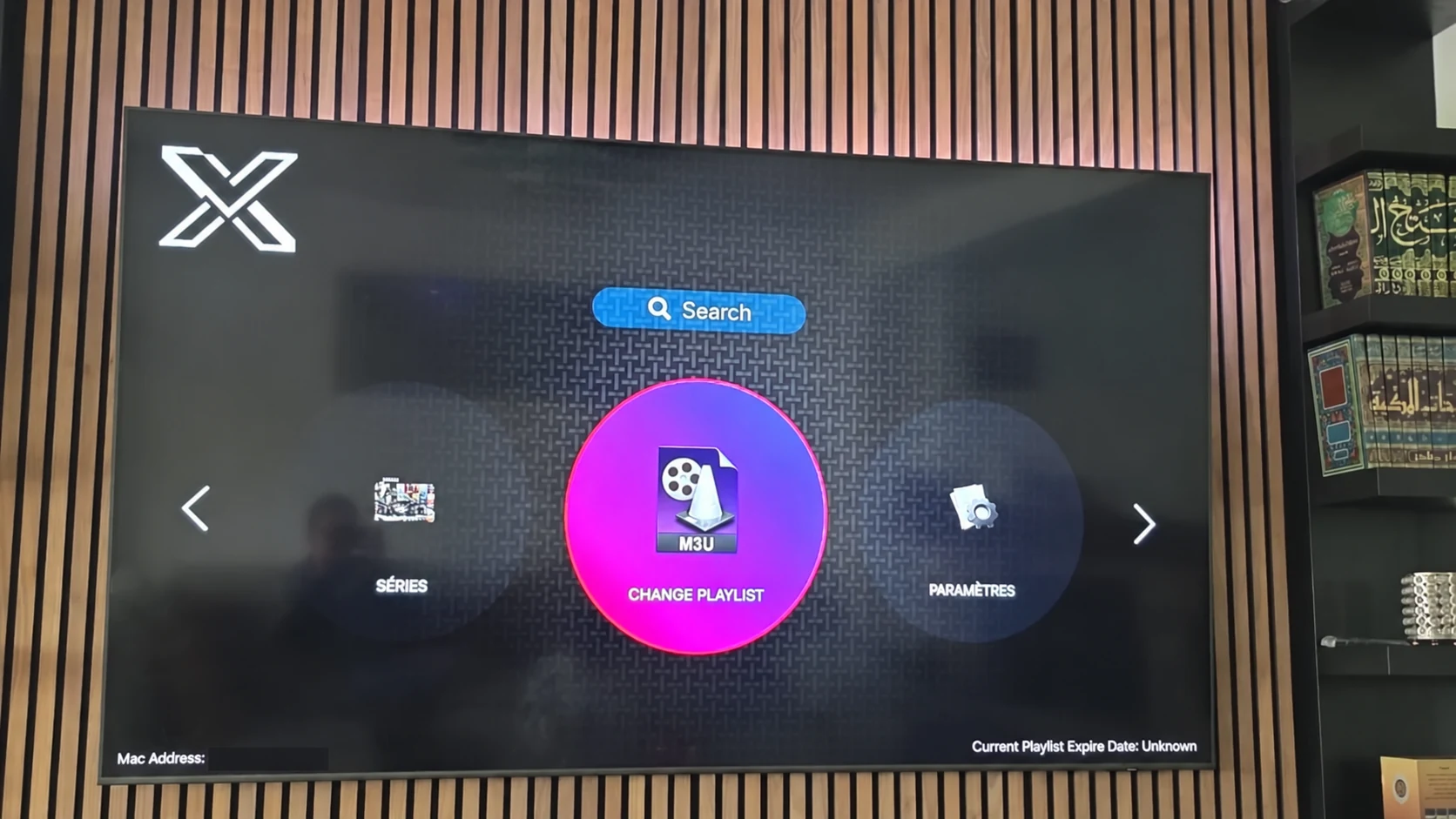
Use the photographed XOTT television listing as a reference for its app name and installation control. Current model and store availability still need to be checked on the device itself.
Keep the account step separate
After installing a confirmed player, request the matching account through private support. The connection method on the app screen determines which values you need. Installing through a code does not mean the service account has been activated.
The download hub preserves source codes under the real names of the separate players. The XOTT app guide helps you choose a platform route without publishing an invented APK or code.
Questions about this XOTT guide
Is XOTT the same name as X OTT?
This website uses XOTT as its brand and includes X OTT as a common spaced form. Always check the installed application identity rather than relying only on a similar name.
Does installing XOTT Player include a subscription?
Installation provides the player. A compatible service account supplies access to its available playlist and streams.
Where can I download the XOTT app?
Check the legitimate source available to your device. The photographed television listing is a Smart TV example; other platform builds must be confirmed separately.
How do I request a one-day trial?
After installing your player, WhatsApp support with your device and app name. Support confirms a matching account and current trial availability.
Can I use the app on two screens at the same time?
The published subscription plans include one customer connection. Installing a player on another device does not add another simultaneous connection.
Is an 8K player code a XOTT code?
No. A code in the supplied list belongs to the named separate player. Confirm a specific XOTT download source before installing it.
Your next step
After installing your player, WhatsApp us for a one-day trial. Include the device model, the exact app name and the account or playlist screen you see. Support will confirm a matching login method before you enter any account details.