
Verify what the download actually contains
A useful XOTT download check begins with the package identity. Confirm the app name, publisher information, device format and the installation source. A file named after a brand does not by itself establish what it installs or which platform it supports.
The supplied source list does not verify a XOTT-specific Android APK, Windows executable or Downloader code. The separate 8K player entries retain their own names and codes. Use the XOTT installation routes and ask support for a current matching source instead of treating an unrelated code as the XOTT app.
Distinguish the package formats
A native Smart TV store application uses the distribution system of that television. An APK is an Android package. A Windows installer and an iOS app use their own platforms. Check the format against the actual device before proceeding; these are not interchangeable downloads.
For a television store installation, read the listing available on the TV itself. For a separately supplied installer, confirm its destination and identity before entering service credentials. Keep a dated note of the source used so support can identify the build later.
Use a short source checklist
- Identify the device model and operating system.
- Confirm whether a XOTT build is currently available for that platform.
- Read the app identity and publisher information at the installation source.
- Check that the package format matches the device.
- Record the installed app name and version if shown.
- Open the account screen before requesting the matching login.
Do not interpret the installer as a subscription. Account access is confirmed separately, and a third-party player can also have its own licence terms.
When another player is the practical route
If a XOTT build is unavailable, ask about a separate supported player for the device. Its own installation and account instructions apply. Record the actual name rather than switching between several similar app labels in the support conversation.
The related-app directory preserves the supplied player list as reference material. Those downloads are labelled by their real names. Compatibility with your account still depends on the server and login method, so confirm that connection before using the installer.
Questions about this XOTT guide
Is XOTT the same name as X OTT?
This website uses XOTT as its brand and includes X OTT as a common spaced form. Always check the installed application identity rather than relying only on a similar name.
Does installing XOTT Player include a subscription?
Installation provides the player. A compatible service account supplies access to its available playlist and streams.
Where can I download the XOTT app?
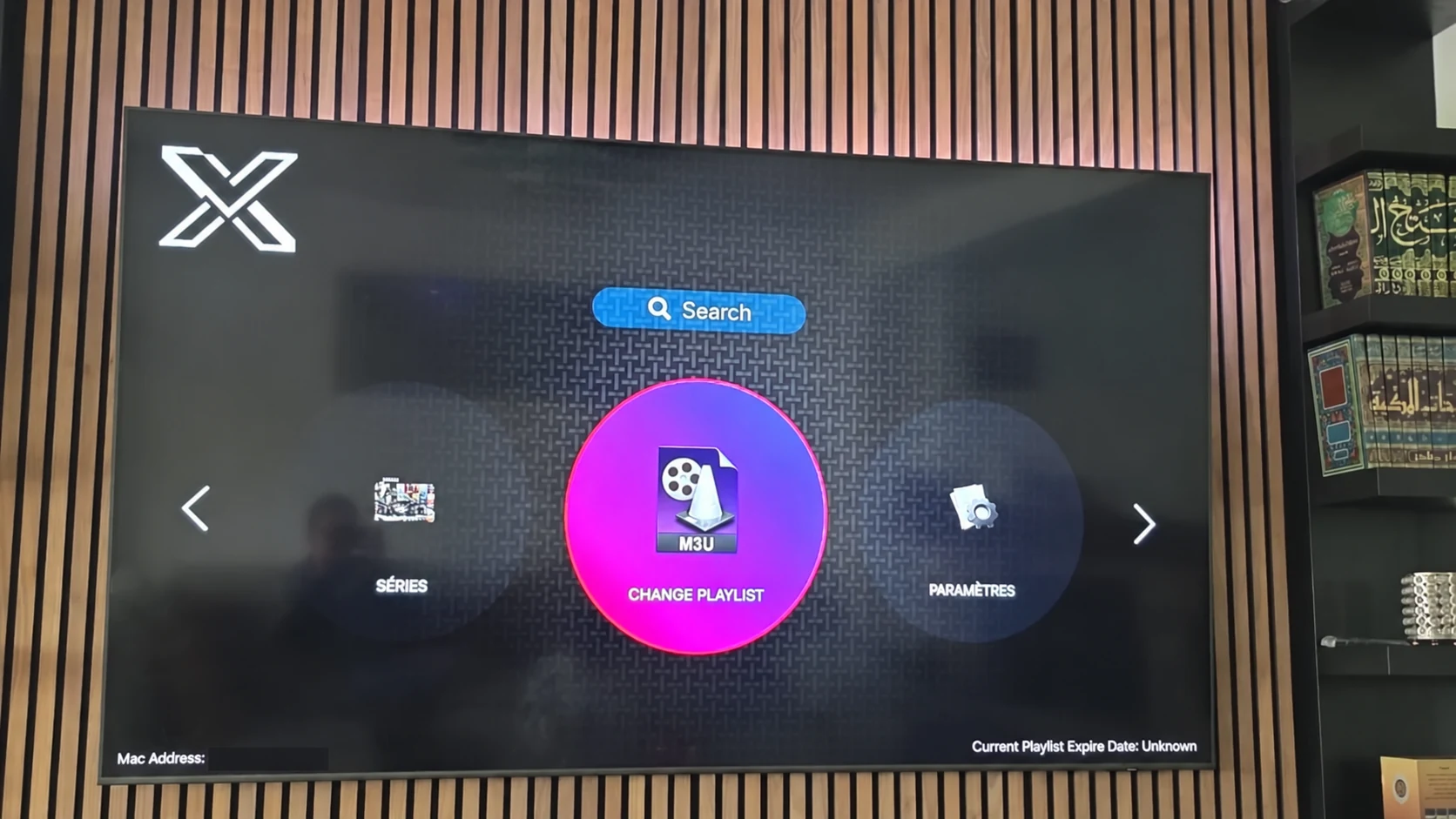
Check the legitimate source available to your device. The photographed television listing is a Smart TV example; other platform builds must be confirmed separately.
How do I request a one-day trial?
After installing your player, WhatsApp support with your device and app name. Support confirms a matching account and current trial availability.
Can I use the app on two screens at the same time?
The published subscription plans include one customer connection. Installing a player on another device does not add another simultaneous connection.
Is an 8K player code a XOTT code?
No. A code in the supplied list belongs to the named separate player. Confirm a specific XOTT download source before installing it.
Your next step
After installing your player, WhatsApp us for a one-day trial. Include the device model, the exact app name and the account or playlist screen you see. Support will confirm a matching login method before you enter any account details.