
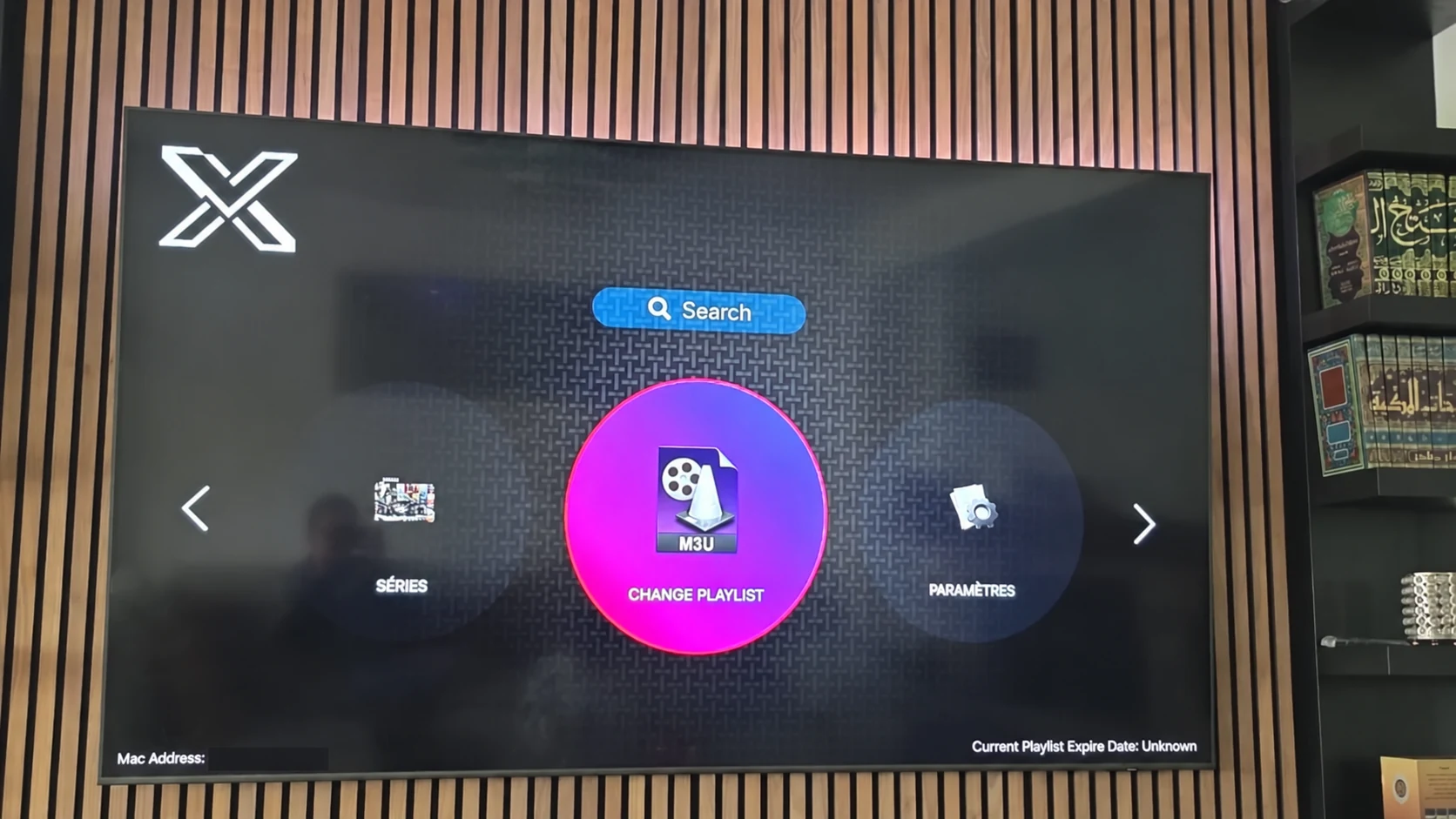
Begin with the fields in the installed player
XOTT login guidance must match the actual account screen. A playlist URL, a server with username and password, and a device-linked process are separate methods. Record which method the app offers before requesting credentials.
Use only the details issued for the selected account and supported by that version. A valid password for one server or application route does not automatically work with a different provider option.
Enter private values carefully
Copy server and account values without leading or trailing spaces. Preserve the exact case where the account uses it. Check that a playlist URL is complete and that the player expects the same kind of URL. Save once, then allow the account data to load.
A tokenized playlist link can contain the access information itself. Do not paste it into a public comment, share it in a screenshot or store it in a public note. Use a private support conversation to confirm account-specific details.
Read a failed login as a specific symptom
| What happens | What to confirm |
|---|---|
| The app rejects the values immediately | Field type, account method, spaces and selected server |
| The account loads but categories are empty | Access status, filters and account refresh |
| Categories appear but one source fails | That source, its format and the playback time |
| Every source stops on multiple devices | A common account or network condition with support |
These checks narrow the next action. They do not prove a single cause before the account and device have been compared.
Send a useful login support message
Include the device model, installed app name, visible connection method and exact error. Say whether the account had worked before and which check changed the result. Keep credentials in the private conversation rather than a public screenshot.
If this is the first setup, request the one-day trial after installation. Support will confirm the matching account and current availability. The player installation, account activation and any app licence remain separate steps.
Questions about this XOTT guide
Is XOTT the same name as X OTT?
This website uses XOTT as its brand and includes X OTT as a common spaced form. Always check the installed application identity rather than relying only on a similar name.
Does installing XOTT Player include a subscription?
Installation provides the player. A compatible service account supplies access to its available playlist and streams.
Where can I download the XOTT app?
Check the legitimate source available to your device. The photographed television listing is a Smart TV example; other platform builds must be confirmed separately.
How do I request a one-day trial?
After installing your player, WhatsApp support with your device and app name. Support confirms a matching account and current trial availability.
Can I use the app on two screens at the same time?
The published subscription plans include one customer connection. Installing a player on another device does not add another simultaneous connection.
Is an 8K player code a XOTT code?
No. A code in the supplied list belongs to the named separate player. Confirm a specific XOTT download source before installing it.
Your next step
After installing your player, WhatsApp us for a one-day trial. Include the device model, the exact app name and the account or playlist screen you see. Support will confirm a matching login method before you enter any account details.