
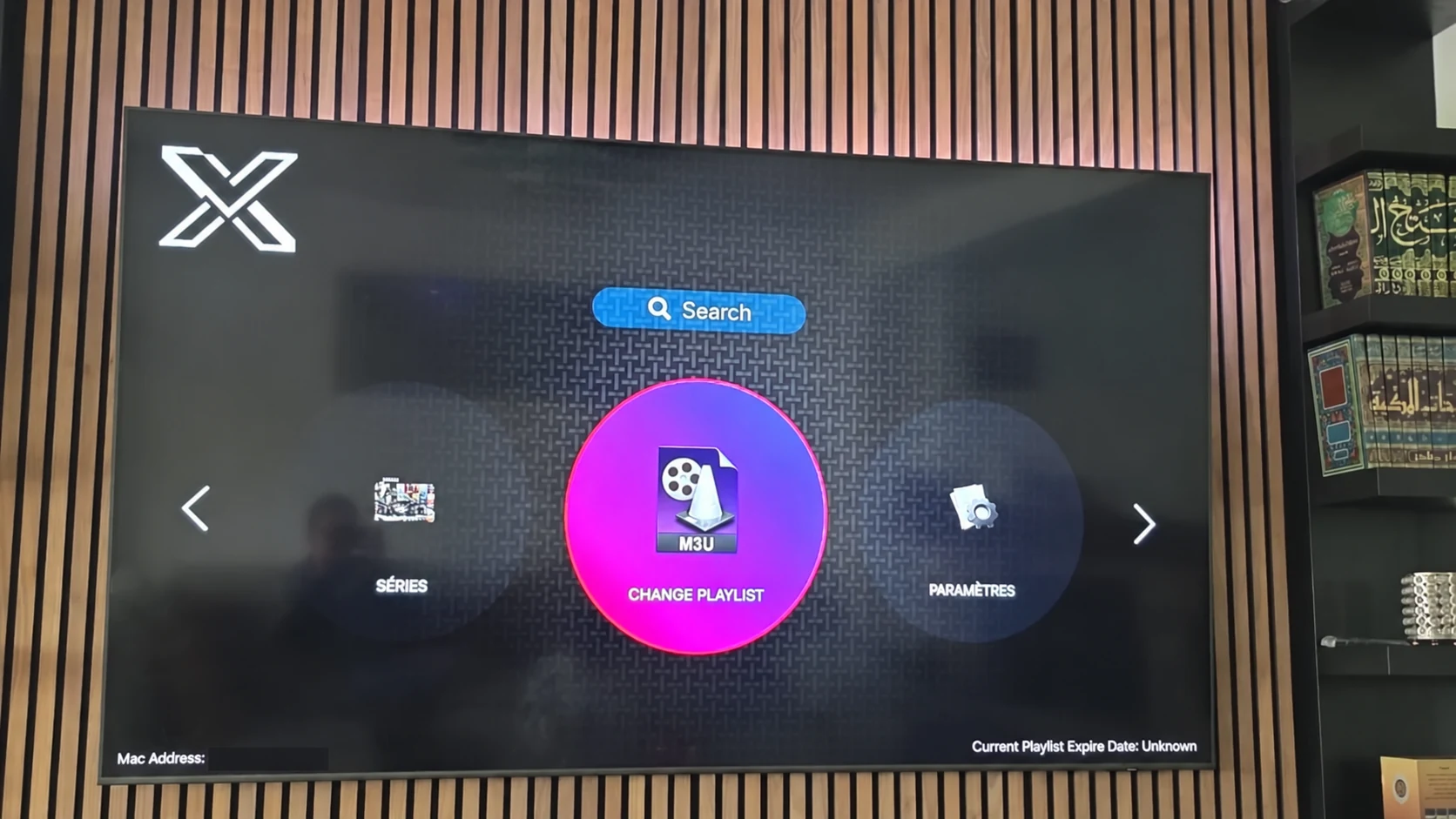
Two parts of one setup
XOTT Player is the application used for navigation and playback. A subscription is the service account that provides access to the supplied playlist and streams. Neither part should be assumed to include every feature of the other.
An installed app can open without an active account. A paid account can be valid while the chosen app is unavailable on a device or expects a different connection method. Confirm both the application and account before judging the setup.
Three costs or codes that can be confused
| Item | Purpose |
|---|---|
| Subscription term | Account access for the selected service period |
| Third-party player licence | Application conditions set by that player’s publisher, where applicable |
| Downloader code | A route to an installer, not a subscription or login |
The published XOTT site subscription totals do not establish a third-party app licence price. A code for a separate named player remains a code for that application.
Compare subscription terms with a real test
The published totals are $9.59 for one month, $23.99 for three months, $39.99 for six months and $54.99 for twelve months. Each standard worldwide plan includes one customer connection. The full term is billed together.
Use a matching player during the one-day account trial to check the parts you need. Test several live sources, guide data and on-demand playback where available. Ask about connection limits before expecting several screens to play simultaneously.
Renew the part that actually needs renewal
If an account expires, confirm the subscription status with service support. If a third-party application displays a separate licence condition, follow the publisher’s current instructions for that app. Do not replace account credentials simply because the player has its own requirement.
Record the exact message, app identity and subscription term. That evidence helps support distinguish account activation from installation, app availability and player preferences.
Questions about this XOTT guide
Is XOTT the same name as X OTT?
This website uses XOTT as its brand and includes X OTT as a common spaced form. Always check the installed application identity rather than relying only on a similar name.
Does installing XOTT Player include a subscription?
Installation provides the player. A compatible service account supplies access to its available playlist and streams.
Where can I download the XOTT app?
Check the legitimate source available to your device. The photographed television listing is a Smart TV example; other platform builds must be confirmed separately.
How do I request a one-day trial?
After installing your player, WhatsApp support with your device and app name. Support confirms a matching account and current trial availability.
Can I use the app on two screens at the same time?
The published subscription plans include one customer connection. Installing a player on another device does not add another simultaneous connection.
Is an 8K player code a XOTT code?
No. A code in the supplied list belongs to the named separate player. Confirm a specific XOTT download source before installing it.
Your next step
After installing your player, WhatsApp us for a one-day trial. Include the device model, the exact app name and the account or playlist screen you see. Support will confirm a matching login method before you enter any account details.