
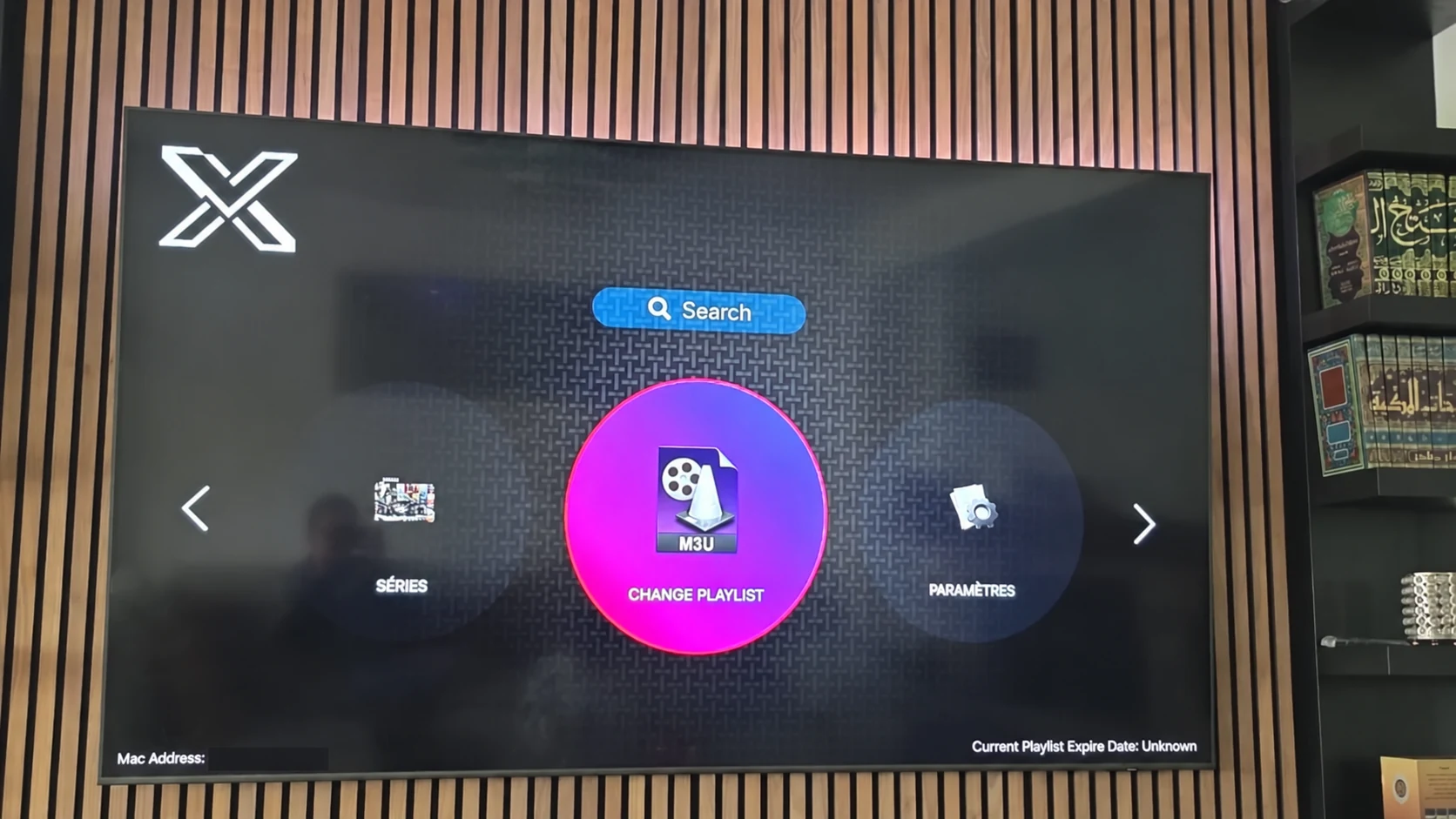
Prepare a complete setup, in a sensible order
A successful XOTT setup begins with the device and ends with a repeatable playback test. Confirm the app source before requesting the account, and identify the supported connection method before entering values. This avoids treating an installation problem as a subscription problem.
Have the device model, operating system, installed player name and a private place for account details ready. A short note of the app version and important settings is useful if the setup later changes.
The installation-to-play checklist
- Device: identify the model and platform.
- Source: confirm a legitimate compatible XOTT build or a separately named alternative.
- Installation: read the app identity and permissions at its source.
- Connection: open the account screen and identify the supported input method.
- Account: request matching values privately and save them carefully.
- Loading: give playlist and guide data time to finish.
- Playback: test several sources and categories.
- Support: record any precise symptom and the checks already tried.
Use the trial to check what matters to you
After installation, request the one-day trial through WhatsApp. Confirm the player and device with support before using the issued account. During the test, check the live categories, programme guide and on-demand content relevant to your viewing.
A useful trial does not require changing every setting. Test the actual screen and local connection, compare several sources and record a specific result if one item fails. Picture quality remains dependent on the source and playback chain.
Keep the working setup understandable
Store account details privately, record the app identity and retain a small change log. When the account is renewed or the player is updated, retest the same source used during the original setup. A familiar comparison helps identify what changed.
Use the subscription and reseller pages for the published packages. Application distribution, third-party licence conditions and subscription access remain separate even when the same support conversation helps you choose a practical route.
Questions about this XOTT guide
Is XOTT the same name as X OTT?
This website uses XOTT as its brand and includes X OTT as a common spaced form. Always check the installed application identity rather than relying only on a similar name.
Does installing XOTT Player include a subscription?
Installation provides the player. A compatible service account supplies access to its available playlist and streams.
Where can I download the XOTT app?
Check the legitimate source available to your device. The photographed television listing is a Smart TV example; other platform builds must be confirmed separately.
How do I request a one-day trial?
After installing your player, WhatsApp support with your device and app name. Support confirms a matching account and current trial availability.
Can I use the app on two screens at the same time?
The published subscription plans include one customer connection. Installing a player on another device does not add another simultaneous connection.
Is an 8K player code a XOTT code?
No. A code in the supplied list belongs to the named separate player. Confirm a specific XOTT download source before installing it.
Your next step
After installing your player, WhatsApp us for a one-day trial. Include the device model, the exact app name and the account or playlist screen you see. Support will confirm a matching login method before you enter any account details.