 XOTT
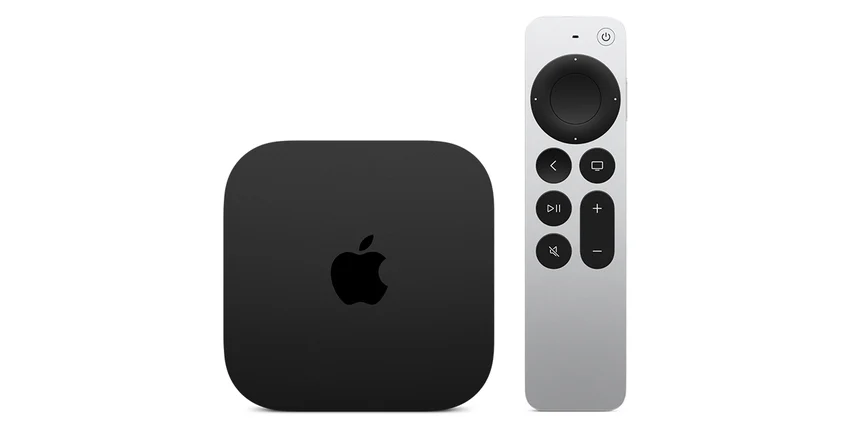
Check the device before installing
Use the model number from Apple’s identification guide. Search the App Store on the device. Compare the installed app’s publisher and version with the developer’s instructions before importing account data.
Use the attached display as the baseline
Test a familiar item in the normal picture mode. Move between the programme list and playback with the remote and check the default audio device before changing content matching or HDMI settings.