 XOTT
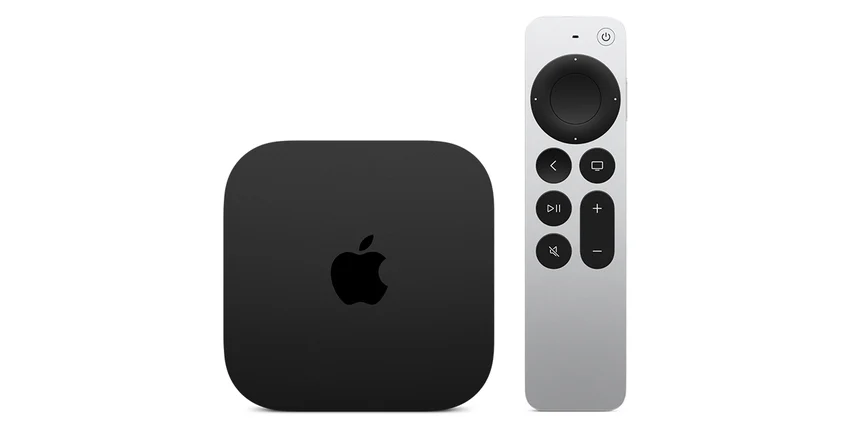
Check the device before installing
Apple’s model list distinguishes the Wi-Fi and Wi-Fi + Ethernet variants. Check your own device before planning a wired connection. Use the App Store listing on Apple TV and confirm the player supports your account format.
Verify audio and native playback first
Test an ordinary title using the Siri Remote. Then try any preferred soundbar or AirPlay route separately. Keep the television input and source consistent when checking whether the change affects picture, sound or discovery.