 XOTT
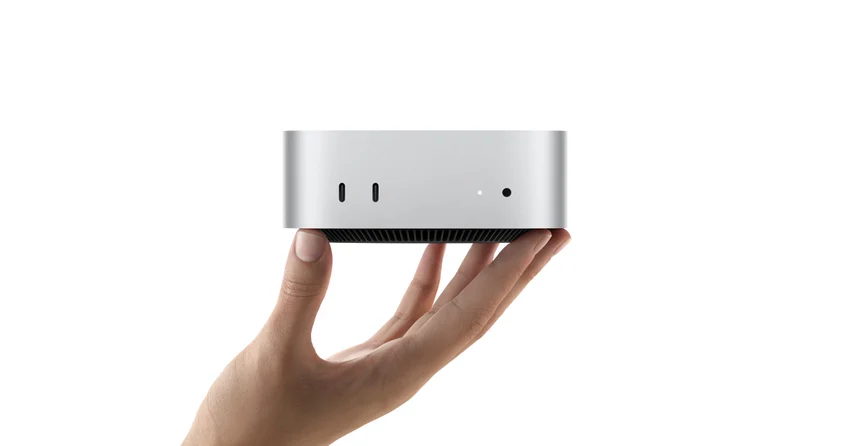
Check the device before installing
Choose a legitimate native application or the approved browser route. Confirm account entry on the Mac and test a familiar item before connecting a different display. Use the correct input and audio output for the attached equipment.
Check long-distance controls
If the Mac mini sits near the television, test your normal keyboard or remote arrangement from where you watch. Determine whether playback, navigation or the display connection is actually failing.