 XOTT
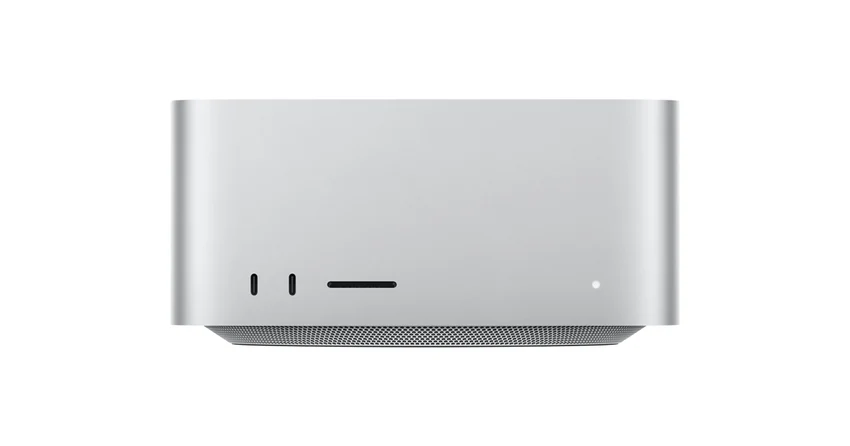
Check the device before installing
Identify the chip and macOS version. Open a trusted native player or a supported browser route and confirm the relevant account fields. Use one known source when moving the app between displays.
Keep an isolated output baseline
Test the item on one screen and one audio output before using a multi-display setup. If playback changes only on the second display, record its connection and resolution for support.