 XOTT
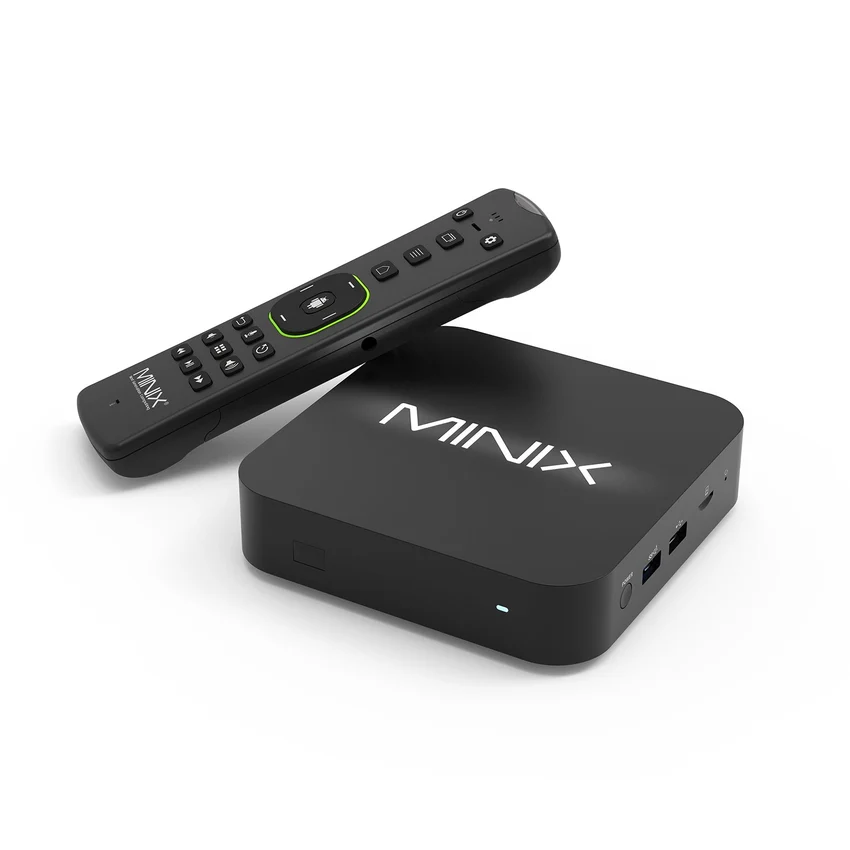
Check the device before installing
Read the manufacturer listing and the settings on the box. Confirm the platform, store and player before asking for the service account format. Test a known item on your usual HDMI input.
Separate device output from source quality
Check what the screen reports about its signal and what the player reports about the stream, if available. A model name or output mode cannot establish the quality of a particular source.